10 Best Contact Center Automation Tools (2026 Guide)
Compare 10 leading contact center automation platforms for 2026—AI voice agents, CCaaS, and agent assist—pricing, tradeoffs, and top picks.
TL;DR
Contact center automation now spans AI voice agents that complete entire workflows, CCaaS suites with built-in AI, enterprise conversational AI platforms, and agent-assist tools that coach humans in real time. The best tool depends on whether you need AI to finish the job, run an entire contact center, or support live agents on complex calls. This guide ranks 10 platforms by use case, pricing model, and real-world tradeoffs, with SigmaMind AI as the top pick for teams that want production-grade voice agents capable of executing multi-step workflows, writing to business systems, and handing off to humans with full context.
What Is Contact Center Automation?
Contact center automation uses AI, workflow logic, routing rules, analytics, and integrations to handle repetitive service work across voice, chat, email, and SMS. That definition covers a lot of ground. In practice, it includes AI voice agents that answer and resolve phone calls, intelligent IVR systems, chatbots, agent-assist tools that surface answers during live calls, QA automation, post-call summaries, workforce management, and back-office workflow execution.
The category has shifted fast. Gartner predicts that by 2029, agentic AI will autonomously resolve 80% of common customer service issues without human intervention, driving a 30% reduction in operational costs source. McKinsey’s 2026 research found that 67% of customer care leaders have already invested in foundational AI use cases at scale, compared to just 16% of laggards source.
But phone support is not going away. McKinsey found that 57% of customer care leaders expected call volumes to rise by as much as one-fifth over the next one to two years, and live phone conversations remained among consumers’ most preferred support methods across every age group, including Gen Z source. The goal of contact center automation is not to eliminate the phone. It is to make phone support scalable, faster, and less repetitive.
Not every tool in this space solves the same problem. Some build AI agents that complete calls autonomously. Some provide a full contact center operating layer with AI layered on top. Some coach human agents in real time. Confusing these categories is one of the most common buying mistakes. This guide separates them.
Quick Picks
- Best overall AI-native contact center automation: SigmaMind AI
- Best popular AI voice automation platform: Retell AI
- Best enterprise conversational AI: Cognigy
- Best enterprise CCaaS suite: Genesys Cloud CX
- Best voice-heavy CCaaS: Five9
- Best industry-packaged CCaaS automation: Talkdesk
- Best developer-first voice orchestration: Vapi
- Best scripted outbound voice automation: Bland AI
- Best no-code agency voice builder: Synthflow
- Best enterprise natural-language voice assistant: PolyAI
At-a-Glance Comparison Table
| Tool | Best For | Automation Type | Starting Price | Key Differentiator | Major Tradeoff |
|---|---|---|---|---|---|
| SigmaMind AI | Teams needing AI voice agents that complete multi-step work | AI-native voice + chat + email | $0.03/min platform + provider costs | Node-based workflows, tool calling, warm transfer with context, model-agnostic stack | Modular pricing requires modeling provider costs; US numbers only without BYO carrier |
| Retell AI | Quick AI voice agent deployment with strong reviews | AI-native voice | $0.07–$0.31/min | Large review base (4.8/5, 2,064 G2 reviews), fast setup | Pricing can escalate at volume; advanced customization may be limited |
| Cognigy | Large enterprise governed conversational AI | Enterprise conversational AI | ~$115K/year (third-party estimate) | Enterprise governance, multilingual, on-prem option | Long implementation, no public pricing, requires skilled resources |
| Genesys Cloud CX | Full omnichannel contact center operations | CCaaS suite | $115/user/month | Deep routing, WFM, QA, analytics, agent desktop | Heavy, expensive with add-ons, steep learning curve |
| Five9 | Voice-heavy mid-market and enterprise operations | CCaaS suite | ~$119/concurrent user | Predictive dialer, campaign management, IVR depth | 50-seat minimum, AI features tiered, complex reporting |
| Talkdesk | Industry-specific CCaaS with prepackaged workflows | CCaaS suite | $85/user/month (digital) | Industry Experience Clouds for healthcare, banking, retail | Per-seat cost adds up; some AI behind higher tiers |
| Vapi | Engineering teams composing custom voice stacks | Developer orchestration | $0.05/min platform + provider costs | Maximum stack control, BYO everything | High operational burden, nontechnical teams will struggle |
| Bland AI | High-volume scripted outbound campaigns | AI-native voice (outbound focus) | $0.09–$0.14/min (varies by plan) | Programmable outbound call flows | Weaker for complex inbound; must model transfer rates and caps |
| Synthflow | Agencies and SMBs launching simple voice agents fast | No-code voice builder | ~$29/month (50 min, legacy plan) | Drag-and-drop, agency templates | Cost rises past included minutes; limited for complex workflows |
| PolyAI | Enterprise brands wanting polished multilingual voice assistants | Enterprise conversational AI | Custom enterprise pricing | 45 languages, branded voice, 4.7/5 Gartner rating | Sales-led, fewer public reviews, likely heavy implementation |
How We Evaluated These Tools
Not all contact center automation platforms do the same thing. Some answer calls. Some complete work. Some coach humans. The evaluation criteria below reflect what actually matters once a tool is in production, not just what looks good in a demo.
Automation Depth
Can the platform resolve an interaction end-to-end, or does it just deflect the call? Tools that execute multi-step workflows (issuing refunds, booking appointments, updating CRM records) score higher than tools that only answer questions from a knowledge base.
Pricing Transparency
Practitioners on Reddit consistently warn that headline per-minute pricing often excludes speech-to-text, text-to-speech, LLM inference, telephony, transfer fees, and long-call token usage. One community thread put it bluntly: the metric that matters is cost per qualified conversation, not raw per-minute price source. Tools with transparent, layer-by-layer cost visibility score higher.
Workflow Execution
A voice agent that sounds human but cannot write to your CRM, POS, helpdesk, calendar, or billing system is not full automation. A Reddit practitioner deploying AI receptionists for restaurants noted that the hard parts were concurrency and POS write-back, not the AI demo. If orders did not hit the POS/KDS within about 30 seconds, the rollout failed operationally source.
Handoff Quality
Most tools mention “escalation.” Few define what a good handoff actually includes. The best tools pass caller name, authentication state, intent, summary, sentiment, conversation transcript, fields collected, actions already taken, and CRM/ticket context to the human agent. Without this, the customer repeats everything and agent handle time goes up.
Integrations
Does the tool connect to CRM, helpdesk, ecommerce, calendar, and back-office systems natively or through APIs? Automation that cannot read from and write to your systems of record produces half-finished work.
Observability and Analytics
Teams need transcripts, recordings, cost breakdowns by layer, escalation rates, tool-call logs, and resolution metrics. Without observability, optimization is guesswork.
Compliance and Governance
Healthcare, financial services, collections, and insurance all carry specific requirements. Tools should support SOC 2, offer BAA availability for HIPAA-regulated workflows, and provide controls for AI disclosure, call recording consent, and data residency.
10 Best Contact Center Automation Tools
1. SigmaMind AI
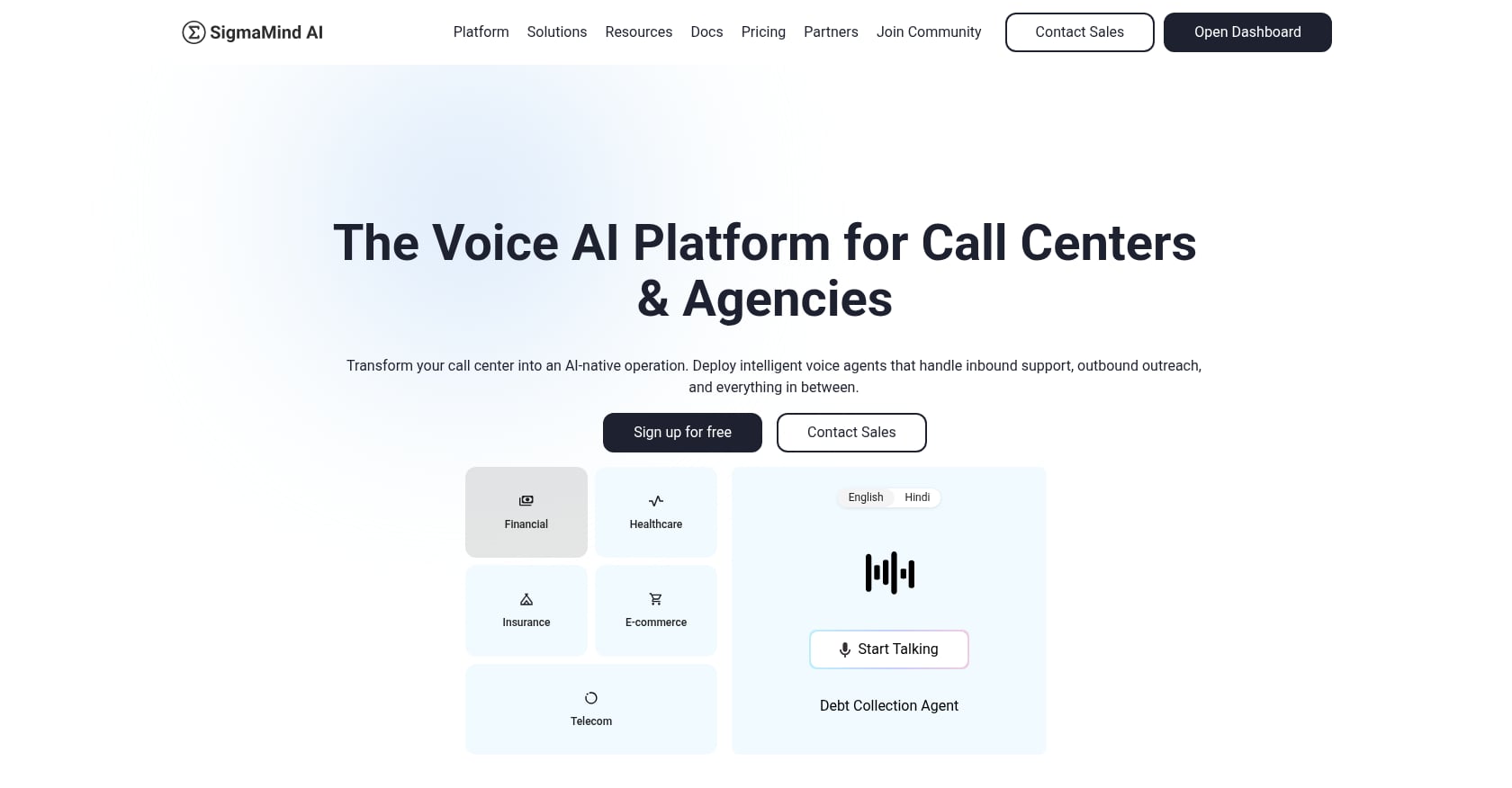
Best for: Contact centers, agencies, BPOs, and developers that need AI voice agents to complete multi-step work, not just answer FAQs.
SigmaMind AI is a YC-backed voice AI orchestration platform built for production. Where many platforms stop at conversation, SigmaMind focuses on workflow completion: issuing refunds, looking up orders, booking appointments, qualifying leads, collecting payments, updating tickets, and handing off to humans with full context.
Pricing:
- Pay-as-you-go voice agents: $0.03/min platform fee plus provider costs for STT, TTS, LLMs, and telephony
- Chat agents: $0.005 per AI message platform fee plus LLM and optional SMS costs
- Enterprise: custom volume-based pricing
- Start building for free, pay only for what you use
- See the pricing calculator for layer-by-layer cost modeling
Key features:
- No-code agent builder with branching, tool actions, variables, waits, and escalation logic
- Single-prompt agent creation for fast prototyping
- In-builder playground with node-level logs for debugging before go-live
- Model-agnostic stack: choose across Deepgram, ElevenLabs, Rime AI, Cartesia for STT/TTS and OpenAI, Claude, Gemini, Hume AI for LLMs
- Ultra-low-latency voice (approximately 800 to 970 ms voice-to-voice)
- Built-in telephony plus BYOC via SIP, Twilio, Telnyx
- Warm transfer with live AI summary and structured context headers
- Function/tool calling plus an app library connecting to CRMs, helpdesks, ecommerce platforms, calendars, spreadsheets, and custom APIs
- Voice, chat, and email from one agent brain
- Analytics and cost breakdowns by layer
- Outbound campaigns with CSV upload, scheduling, concurrency caps, and personalization variables
- Multi-client workspaces and full agent import for agencies and BPOs
Proof points:
- 1M+ calls handled, 1.5k+ live agents, approximately 970 ms average voice latency
- 4,000+ refunds/month automated with 43% cost savings, turnaround from 2 to 3 days down to under 60 seconds, zero processing errors reported
- Gardencup case study: 80% reduction in refund processing time, 20% CSAT lift, resolution time from 15 hours to 1 hour
- CleanBoss: 50% FRT reduction, 30% resolution time reduction, 15% CSAT lift in three months
- 4.9 rating on Product Hunt from 14 reviews
Tradeoffs:
- Direct in-product phone number purchase is currently US-only; international deployments need BYO Twilio/Telnyx/SIP configuration
- Modular pricing is transparent but requires buyers to model costs across STT, TTS, LLM, and telephony providers
- Dependent on third-party AI providers, meaning quality and cost can shift with provider updates
- Claims SOC 2 and HIPAA-friendly workflows, but is not HIPAA compliant yet; healthcare buyers should verify BAA availability and PHI handling
Choose this if: You want AI agents that actually complete contact center workflows (refunds, order tracking, appointment scheduling, lead qualification) with warm handoff to humans, transparent per-layer cost control, and model flexibility across the full voice stack.
Try SigmaMind’s agent builder free to test voice workflows before committing.
2. Retell AI
Best for: Teams that want a popular, mature AI voice automation platform with strong reviews and quick deployment.
Retell has built significant market visibility as an AI voice agent platform. It abstracts the full voice stack (STT, LLM reasoning, TTS) into one integrated system, making it straightforward for teams to build and deploy phone-based AI agents.
Pricing:
- $0.07 to $0.31/min for AI voice agents, with a cost estimator on their pricing page
- Buyers should verify whether all-in cost includes LLM, telephony, STT, TTS, and transfer-related charges
Key features:
- Voice, SMS, and chat interactions
- Drag-and-drop builder with multi-turn logic
- Dynamic transfers and real-time webhooks
- CRM integrations and multilingual support
Tradeoffs:
- Pricing can escalate at high volume, per G2 reviewers
- Advanced debugging and fine-grained customization may be limited for niche use cases
- As a vendor-led comparison site (noted by competitors), buyers should cross-reference independent evaluations
User sentiment: G2 rates Retell at 4.8/5 from 2,064 reviews. Users praise quick setup, natural voice quality, and low latency. Repeated concerns center on pricing scalability source.
Choose this if: You want a well-reviewed AI voice platform with fast time-to-deployment and are willing to monitor usage costs closely as volume scales.
3. Cognigy
Best for: Large enterprises needing mature conversational AI governance, complex workflow automation, and multilingual support across existing contact center infrastructure.
Cognigy (now part of NICE) serves large enterprise contact centers with structured dialog design, voice gateway/SIP integration, and both cloud and on-premise deployment. Deployments at companies like Mercedes-Benz, Nestlé, and Lufthansa reflect its enterprise orientation source.
Pricing:
- No public pricing. Third-party estimates (via Vendr data cited by Rasa) put enterprise contracts at roughly $115,000/year, with large deployments exceeding $300,000 annually source
Key features:
- Cognigy voice gateway for SIP integration with major CCaaS and telephony platforms
- Cloud and on-premise deployment
- Enterprise governance and bot lifecycle management
- Multi-language support
Tradeoffs:
- Enterprise implementation can take months and requires skilled resources
- No public pricing slows budget modeling and comparison
- Advanced features carry a learning curve
- Better for enterprise governance than lightweight self-serve pilots
User sentiment: A 2026 Gartner Peer Insights reviewer described Cognigy as solid and reliable for complex workflows and high interaction volumes, but flagged that implementation requires planning and some advanced features are not intuitive source.
Choose this if: You run a large, multi-language contact center and need governed conversational AI across existing telephony, with on-prem or private cloud as an option.
4. Genesys Cloud CX
Best for: Enterprise contact centers that want one platform for voice, digital channels, routing, workforce engagement, QA, analytics, and AI.
Genesys Cloud CX is one of the most comprehensive CCaaS suites on the market. It covers everything from ACD routing and IVR to workforce management, quality assurance, predictive engagement, and agent copilot. AI is layered across the platform rather than existing as a standalone agent builder.
Pricing:
- Cloud CX 2: $115/user/month (billed annually)
- Cloud CX 3: $155/user/month
- Cloud CX 4: $240/user/month
- Concurrent licensing and add-ons available source
Key features:
- Omnichannel routing (voice, email, chat, social, SMS)
- Speech-enabled IVR and virtual agents
- Workforce engagement, forecasting, scheduling
- Agent Copilot and AI experience tokens
- Outbound campaigns
- AppFoundry marketplace for integrations
- BYOC or Genesys Cloud Voice telephony
Tradeoffs:
- Configuration and customization may require technical or partner support
- Per-user pricing becomes expensive for large teams, especially with add-ons
- Occasional update disruptions noted by users
- More suited for full contact center transformation than quick AI-agent deployment
User sentiment: G2 rates Genesys Cloud CX at 4.4/5 from 1,533 reviews. A 2026 enterprise reviewer praised the all-in-one platform and real-time analytics but noted a steep learning curve, limited customization without developers, and complex third-party integrations source.
Choose this if: You need an enterprise CCaaS operating layer with AI woven throughout, and you have the team and budget to run a full-platform implementation.
5. Five9
Best for: Voice-heavy mid-market and enterprise contact centers that need inbound/outbound dialing, IVR, campaign management, and reporting alongside AI add-ons.
Five9 has been a staple in cloud contact center software for years, and its strength remains in traditional voice-heavy operations: predictive/progressive dialing, ACD, IVR, call recording, geo redundancy, and queue management.
Pricing:
- Pricing starts around $119 and $159 per concurrent user depending on tier
- Usage-based pricing may apply
- 50-seat minimum source
Key features:
- Agent Desktop Plus with ACD, IVR, and dialer
- Geo redundancy and SRTP encryption
- Call recording and reporting/queue management
- Five9 Inference Studio access for AI capabilities
- Omnichannel communication
Tradeoffs:
- 50-seat minimum rules out smaller teams
- AI/QA capabilities may require higher-tier plans or add-ons
- Reporting and administration can be complex
- UI has been described as dated by some reviewers
- Not as flexible as AI-native platforms for custom LLM/STT/TTS stacks
User sentiment: G2 users praise omnichannel communication, AI summaries, call routing, and easy agent onboarding. Complaints focus on language limitations for AI/AQM, complex reporting, occasional dropped calls, and support responsiveness source.
Choose this if: You run a voice-heavy operation with 50+ seats and want reliable CCaaS with campaign tools, and your AI needs are secondary to routing, dialing, and workforce management.
6. Talkdesk

Best for: Mid-market and enterprise teams that want industry-packaged CCaaS with prebuilt workflows for healthcare, banking, insurance, and retail.
Talkdesk differentiates through Industry Experience Clouds, offering preconfigured workflows and compliance templates for regulated verticals. It is a polished CCaaS product with AI layered into the broader CX lifecycle.
Pricing:
- Digital Essentials: $85/user/month
- Voice Essentials: $105/user/month
- Elite: $165/user/month
- Industry Experience Clouds: $225/user/month
- Talkdesk Express available for businesses under 50 employees source
Key features:
- Digital engagement (email, chat, SMS, social) plus voice
- Studio and routing with speech recognition
- Real-time dashboards and business intelligence
- Workforce management and performance management on higher tiers
- API access
Tradeoffs:
- Per-seat pricing adds up, especially at higher tiers
- Some AI features sit behind premium tiers or add-ons
- Telecom and usage costs should be checked separately
- Better fit for teams wanting a full CCaaS suite than those wanting a lightweight AI voice agent platform
User sentiment: G2 rates Talkdesk at 4.4/5 from 2,502 reviews. Users praise ease of use, call routing, and AI-driven efficiency. Some report connectivity and technical issues during peak times source.
Choose this if: You want industry-specific contact center automation with prebuilt compliance templates and vertical workflows, packaged inside a single CCaaS vendor.
7. Vapi
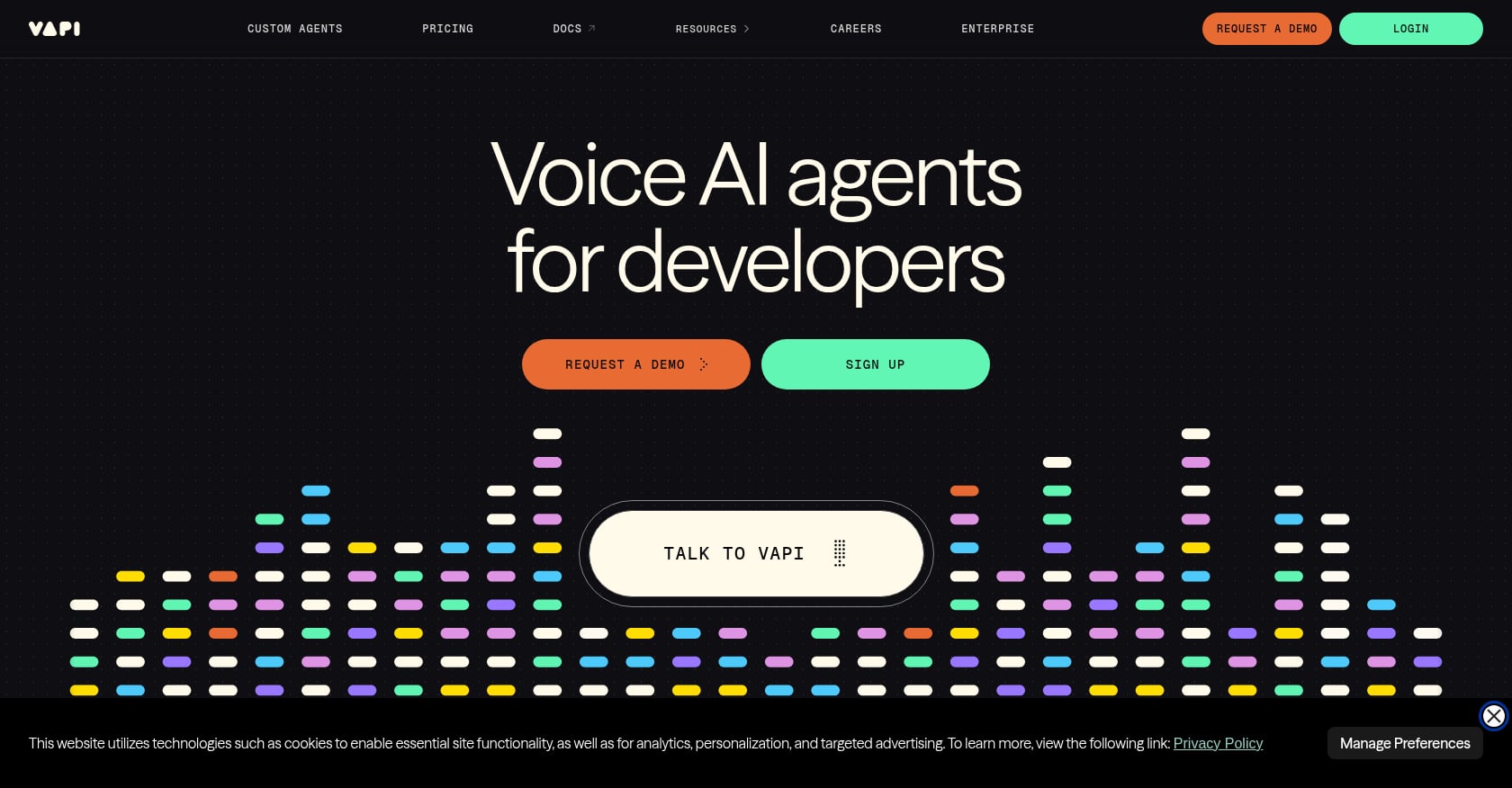
Best for: Engineering teams that want to compose their own voice stack with full control over STT, LLM, TTS, telephony, and API orchestration.
Vapi is a developer-first voice AI platform. It gives maximum flexibility: bring your own speech providers, LLMs, telephony, and tools. That power comes with operational responsibility.
Pricing:
- $0.05/min Vapi platform fee plus provider costs
- Average all-in voice agent conversation cost is around $0.15/min after providers (per G2 pricing snapshot), but this varies significantly based on stack choices
- Enterprise plans with higher concurrency, shared Slack, and volume pricing available source
Key features:
- Developer API for real-time voice agents
- Bring-your-own providers for STT, TTS, LLM, telephony
- Configurable assistants, tools, and workflows
- Enterprise support tiers
Tradeoffs:
- Higher operational burden than no-code platforms
- All-in cost depends entirely on provider choices and is harder to forecast
- Nontechnical operations teams will find setup and maintenance difficult
- Debugging and cost tracking require engineering discipline
User sentiment: Trustpilot shows mixed reviews, with a user noting that the advertised platform fee excludes LLM, Twilio/telephony, and other provider costs source. Reddit users describe Vapi as powerful for custom voice bots but requiring developer resources and separate provider management.
Choose this if: You have engineers who want full stack control and are comfortable owning cost modeling, latency tuning, and provider complexity.
8. Bland AI
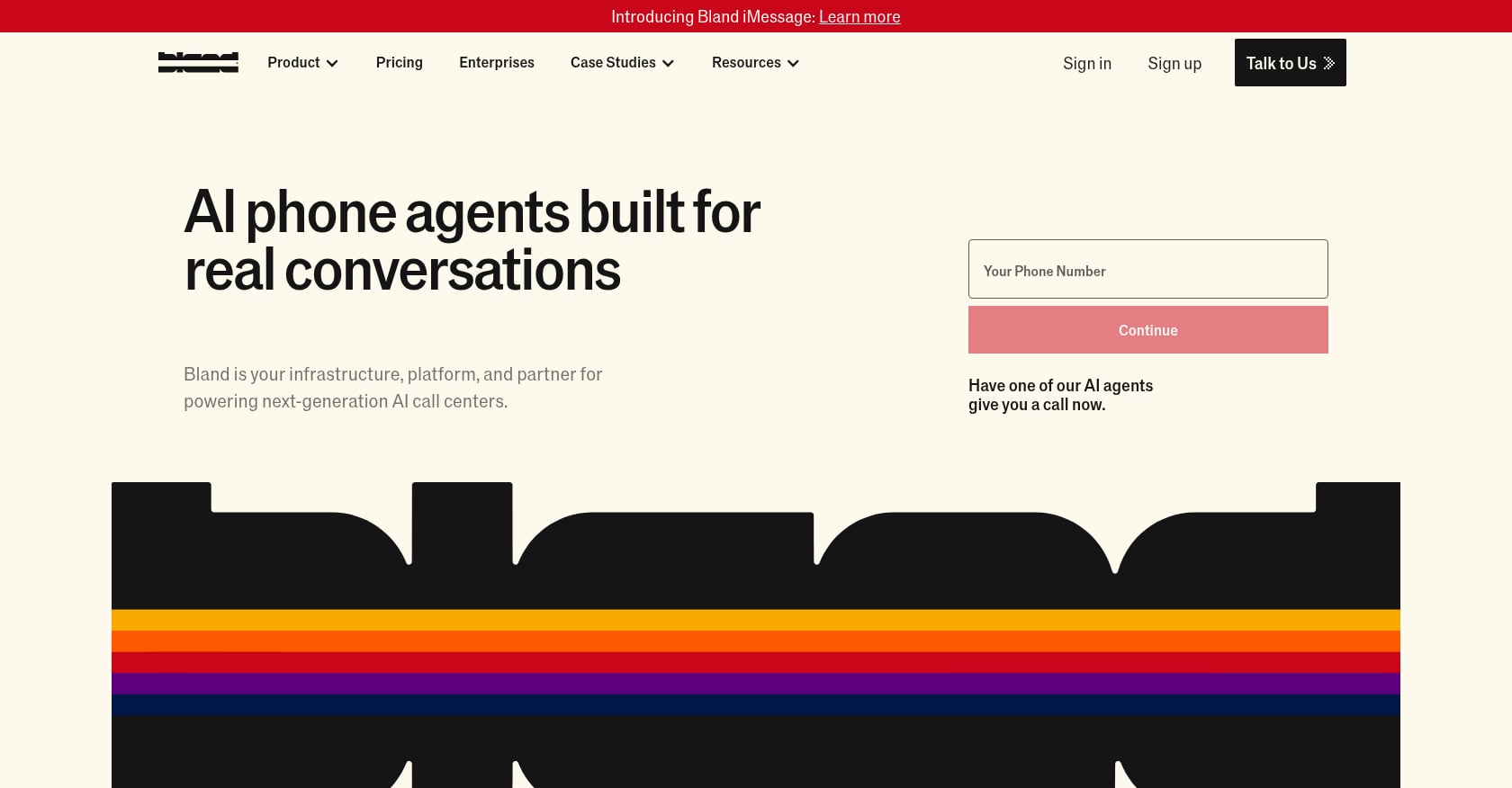
Best for: High-volume outbound voice campaigns (sales, collections, reminders, appointment confirmations) run by technical teams.
Bland AI focuses on programmable voice agents for outbound use cases. It provides scripted call flows with plan-specific connected-minute rates.
Pricing:
- Connected-minute rates by plan: Start at $0.14/min, Build at $0.12/min, Scale at $0.11/min
- Transfer rates can be plan-specific
- Enterprise contracts available for high-volume users source
Key features:
- Voice agents for inbound and outbound use cases
- Plan-tiered connected-minute rates
- Usage dashboards with alerts, daily/hourly caps
- Enterprise contracts for high-volume users
Tradeoffs:
- Stronger fit for structured outbound than complex inbound support
- Buyers must model transfer rates, minimums, long calls, and usage caps carefully
- Less ideal for teams wanting omnichannel contact center automation from a single canvas
- Teams without technical support may find setup challenging
User sentiment: Community discussions around voice AI pricing repeatedly warn that low per-minute rates can obscure the real total cost once speech, LLM, telephony, transfer time, and long-call token usage are factored in source.
Choose this if: You run high-volume outbound campaigns and can closely manage usage, transfer rates, and concurrency.
9. Synthflow
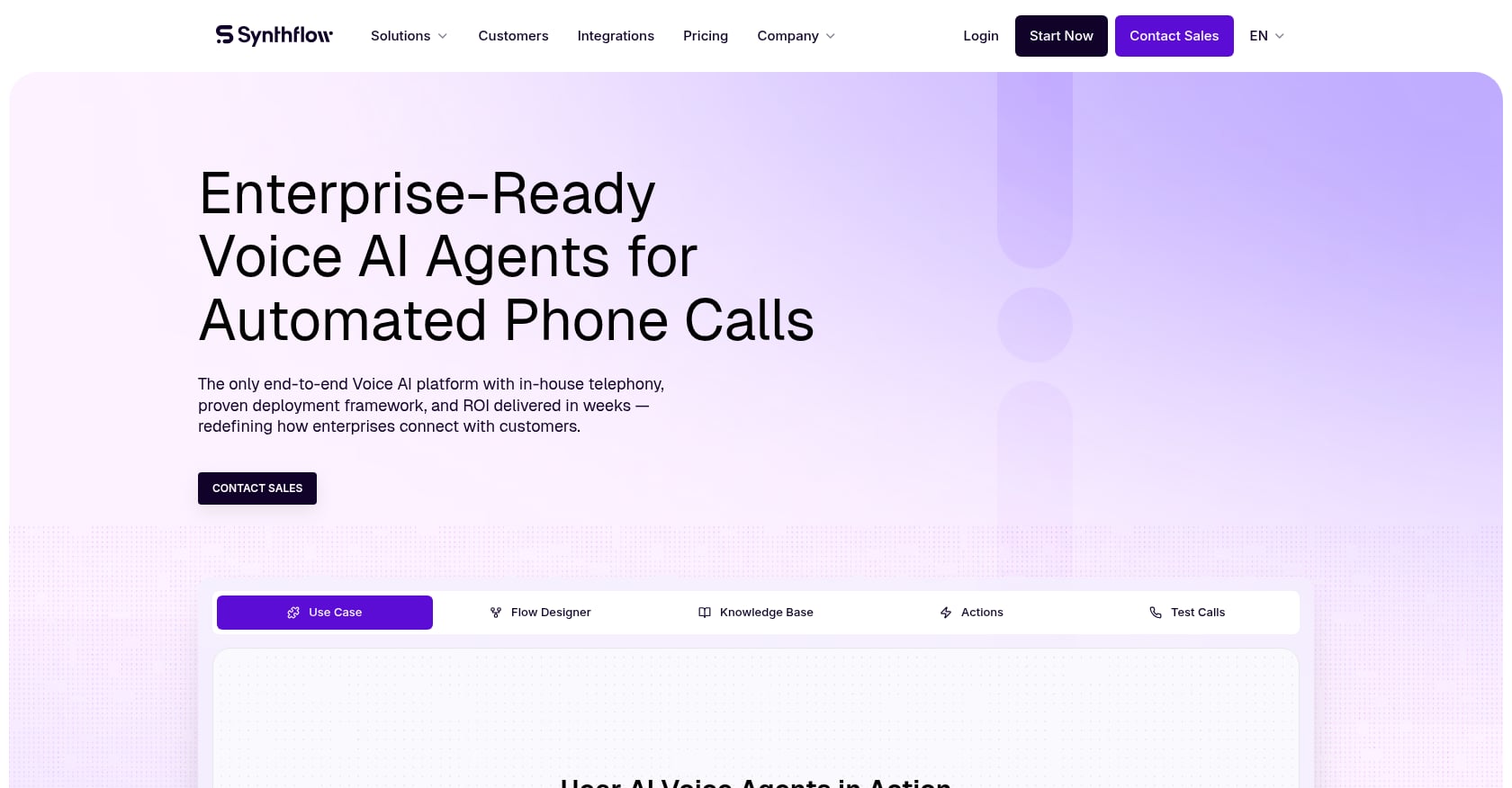
Best for: Agencies building AI voice agents for local businesses, and SMBs that want to launch a simple AI receptionist or appointment agent quickly.
Synthflow is a no-code voice agent builder designed for speed. Agencies use it to create and deploy voice agents for clients without writing code.
Pricing:
- Usage-based billing, billed per second from connection to termination
- Legacy plans ranged from Starter at ~$29/month (50 minutes) to Agency at ~$1,400/month (6,000 minutes); verify current plan packaging directly with Synthflow as pricing has changed source
Key features:
- No-code drag-and-drop voice agent builder
- Usage-based billing
- Templates for common agency use cases
- Suitable for fast launches
Tradeoffs:
- Cost rises once included minutes are exceeded or provider costs are added
- Best for simpler workflows; complex multi-step contact center automation may require deeper state management, integrations, and debugging
- Plan packaging has changed, so published legacy prices may not be current
User sentiment: A Reddit user testing Synthflow for a local service business reported that the Starter plan reduced 30+ daily calls to 5 or 6 that needed human attention. Treat this as anecdotal, not a verified benchmark source.
Choose this if: You are an agency or SMB that needs fast no-code voice automation for straightforward use cases like appointment booking and call routing, and you do not need deep production orchestration.
10. PolyAI
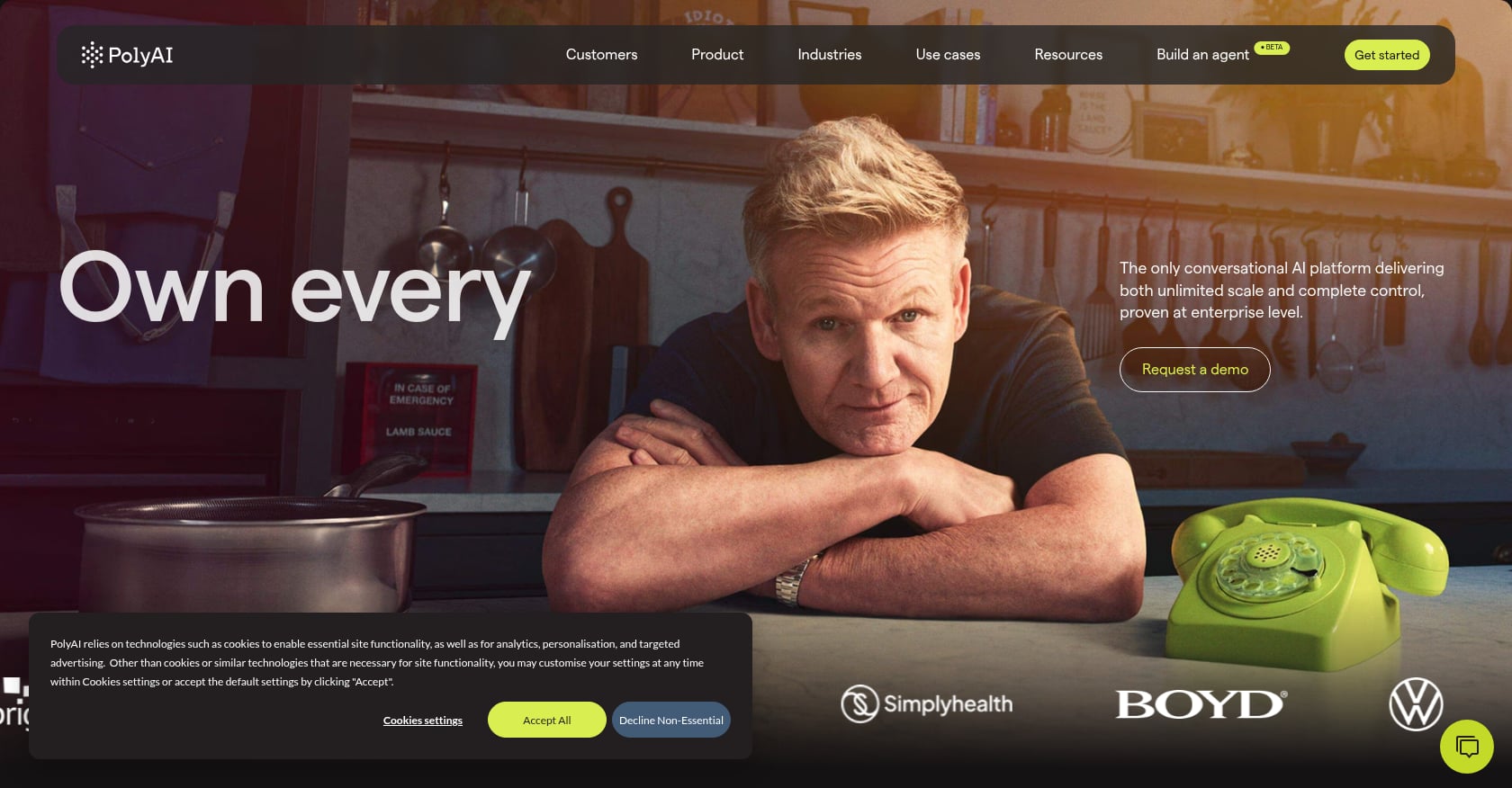
Best for: Enterprise brands that prioritize natural, branded, multilingual voice conversations and can support a custom enterprise rollout.
PolyAI builds polished conversational voice assistants for enterprise contact centers. It serves banking, hospitality, healthcare, utilities, and retail, with a focus on natural conversational experience across languages.
Pricing:
- Custom enterprise pricing (no public self-serve tiers found)
Key features:
- Agent Studio for enterprise AI agents across voice and chat
- Support for end-to-end interactions in 45 languages
- Automation capacity described as equivalent to 1,000+ FTEs for enterprise clients source
- Focus on brand voice and natural conversation quality
Tradeoffs:
- Likely sales-led procurement with enterprise-length implementation timelines
- Fewer public reviews than mainstream CCaaS platforms
- May be heavier than needed for teams wanting self-serve AI voice workflows
- Buyers should confirm integrations, data residency, and handoff design early in evaluation
User sentiment: Gartner Peer Insights rates PolyAI at 4.7/5 from 23 ratings. A review snippet describes PolyAI as an innovation partner with strong quality and collaboration source.
Choose this if: You are a large enterprise that needs a branded, multilingual voice assistant and can invest in a custom implementation.
Contact Center Automation Pricing: What Buyers Miss
Pricing is where most comparison articles fall short. They list a headline per-minute rate or a per-seat fee and move on. In reality, the total cost of contact center automation has several layers that are easy to miss.
The true cost formula:
Cost per true resolution = (AI platform fee + STT + TTS + LLM + telephony + transfer fees + implementation/maintenance + human recovery cost) / successfully resolved interactions
For AI-native voice platforms (SigmaMind, Retell, Vapi, Bland), the platform fee is just one layer. You also pay for speech-to-text transcription, text-to-speech synthesis, LLM inference, telephony minutes, and sometimes transfer charges. SigmaMind’s pricing page breaks these layers out explicitly so teams can model costs by provider and configuration.
For CCaaS suites (Genesys, Five9, Talkdesk), pricing is per user per month, but add-ons for AI, WFM, QA, and extra channels can double the effective cost. Five9’s 50-seat minimum means you cannot run a small pilot without committing to a larger contract.
The denominator matters as much as the numerator. If you divide total cost by “calls handled” instead of “calls truly resolved,” you are hiding rework and human recovery costs. Practitioners on Reddit are clear on this point: if a bot touches a case and a human later has to fix or explain it, that should count as negative automation, not neutral automation source.
Which Contact Center Workflows Should You Automate First?
Automation works best when it starts narrow and specific. A Reddit CX practitioner in ecommerce reported automating roughly 40 to 50% of volume end-to-end and assisting another 20%, but only after restricting automation to predictable post-purchase tickets: order status, returns, address changes, and policy questions. Automation struggled with ambiguous or emotional cases, and CSAT stayed stable only because humans stayed in the loop for higher-risk interactions source.
Good first automations:
- Order status lookups
- Appointment reminders and confirmations
- Address and account changes
- Lead qualification and intake
- Balance checks and payment reminders
- Basic routing to the right department
- Refund eligibility checks with clear policy rules
- Ecommerce support workflows like returns and delivery questions
Bad first automations:
- Complaints and escalations
- Cancellations and retention
- Billing disputes
- Regulated disclosures
- Complex troubleshooting
- High-value or VIP customer interactions
McKinsey’s 2026 research supports this: almost 70% of respondents agree that empathy and trust will always require human involvement source. Automation is not about removing humans. It is about giving humans fewer repetitive tasks so they can focus on the calls that actually need them.
How to Measure Contact Center Automation Success
“Containment rate” is the metric most vendors cite. It can also be a vanity metric. If your AI “contains” a call but the customer calls back the next day because nothing was actually resolved, you have not automated anything. You have created rework.
Better metrics to track:
- Fully resolved rate: AI completed the task and the customer did not recontact for the same issue
- Assisted resolution rate: AI gathered information or completed steps before human resolution
- Human rescue rate: AI failed and a human had to recover the interaction
- Repeat contact rate: customer contacted again for the same issue within a defined window
- Time to true resolution: elapsed time until the issue is actually solved, not just “handled”
- Cost per true resolution: total AI + telephony + human recovery cost divided by successfully resolved cases
SigmaMind’s analytics dashboard provides cost breakdowns by layer, transfer rates, duration, tool calls, and escalation metrics, which makes it possible to track these figures rather than relying on vendor-reported containment rates.
Deloitte Canada found a 15% increase in AI adoption in contact centres from 2023 to 2025, alongside an average 0.5-point loss in CX and EX ratings over the same period source. Simply deploying AI does not guarantee better outcomes. Measuring the right things does.
How to Choose the Right Contact Center Automation Tool
The biggest mistake buyers make is treating all contact center automation tools as interchangeable. They are not. The right tool depends on what you need automated, how your organization operates, and where your existing stack sits.
If you need AI agents to complete specific phone workflows, choose an AI-native voice automation platform. Prioritize low latency, multi-step workflow builders, tool/function calling, CRM and helpdesk integrations, warm transfers, and cost per resolved call. Best-fit tools: SigmaMind AI, Retell AI, Vapi, Bland, Synthflow.
If you need a full contact center operating layer, choose a CCaaS suite with AI features. Prioritize ACD/routing, IVR, agent desktop, workforce management, QA, analytics, and enterprise security. Best-fit tools: Genesys Cloud CX, Five9, Talkdesk.
If you need enterprise conversational AI across existing infrastructure, choose an enterprise conversational AI platform. Prioritize governance, multi-language support, bot lifecycle management, CCaaS/SIP integrations, and data residency options. Best-fit tools: Cognigy, PolyAI.
If your calls are too sensitive for full automation, use a hybrid or agent-assist approach. Prioritize real-time guidance, summaries, QA automation, compliance prompts, and human-in-the-loop escalation. A Reddit post from a 200-agent EU telecom contact center claimed 65% AI automation, but the strongest outcome was not the deflection rate. It was that human-handled AHT dropped from 7.5 minutes to 5.2 minutes because agents stopped doing basic lookups. Stable CSAT came from AI acting as an assist layer, not just a deflection layer source.
For a deeper breakdown of AI-powered contact center options, see this AI contact center solutions buyer’s guide.
30-Day Pilot Plan
Week by week, here is how to run a focused contact center automation pilot without betting the whole operation on day one.
Week 1: Scope and setup
- Pick 3 to 5 high-volume, low-risk intents (order status, appointment reminders, balance checks)
- Define success criteria: fully resolved rate, repeat contact rate, CSAT, escalation rate, cost per resolution
- Connect live systems: CRM, helpdesk, order management, calendar, knowledge base
Week 2: Build and test
- Build agent workflows with branching, tool calls, and escalation rules
- Configure warm handoff with summary and context
- Run shadow/testing mode using SigmaMind’s playground or equivalent test environment
- Validate integration write-backs (does the refund actually process? does the appointment actually book?)
Week 3: Limited launch
- Deploy during limited hours or on a subset of call volume
- Monitor transcripts, escalation patterns, cost per call, and caller behavior
- Identify failure modes: where does the AI get stuck? where do callers bail?
Week 4: Measure and decide
- Compare true resolution rate, repeat contact rate, CSAT, and cost per resolved interaction against your baseline
- Document failure modes and fix the top 3
- Decide whether to expand scope, adjust routing, or add intents
Do not expand automation until you understand how it fails. PwC found that 29% of consumers stopped using or buying from a brand because of poor customer experience source. A bad automation rollout can make that number worse.
Common Mistakes to Avoid
Automating everything at once. Start with predictable, policy-driven, high-volume interactions. Leave complaints, cancellations, and regulated disclosures to humans.
Trusting containment rate as your primary metric. Track true resolution, repeat contact, and human rescue instead. If the AI touches it and a human has to clean it up, that is negative automation.
Ignoring handoff quality. A Reddit call-center worker noted that customers get angry when there is no clear path to the right human department source. Do not buy a contact center automation platform unless it supports clear escalation rules, warm transfer, and intent/context handoff. SigmaMind’s warm transfer feature passes live summaries and structured context to the human agent, which is the standard every platform should meet.
Comparing headline per-minute prices. Model all-in cost: platform + STT + TTS + LLM + telephony + transfer fees + human recovery cost, divided by true resolutions.
Buying based on demo quality alone. A demo with a scripted scenario always sounds good. The questions that matter are: what happens when the caller interrupts, asks something off-script, or needs to reach a human? What happens at 15 concurrent calls on a Friday evening? Can the agent write to your POS or CRM within 30 seconds?
Treating CCaaS and AI-native voice agents as the same category. They solve different problems. If you already have Genesys or Five9 and need AI on top, your path looks different than if you are building AI-first workflows from scratch.
FAQ
What is contact center automation?
Contact center automation uses AI, workflow logic, routing, analytics, and integrations to handle repetitive service work across voice, chat, email, and SMS. It ranges from AI voice agents that resolve calls autonomously to agent-assist tools that coach humans in real time, to full CCaaS suites that manage routing, workforce, and quality alongside AI features.
What is the difference between contact center automation and CCaaS?
CCaaS (Contact Center as a Service) is a cloud platform that provides the infrastructure for running a contact center: routing, IVR, agent desktops, workforce management, reporting, and telephony. Contact center automation is broader. It includes CCaaS, but also covers AI voice agents, chatbots, workflow execution, post-call actions, QA automation, and backend integrations that complete work without human involvement.
Are AI voice agents replacing call center agents?
Not entirely, and probably not soon. AI voice agents handle high-volume, predictable, transactional calls well: order status, appointment reminders, balance checks, basic routing. They struggle with emotional, ambiguous, high-stakes, or regulated interactions. McKinsey research found that almost 70% of respondents agree empathy and trust will always require human involvement source. The best contact center automation programs combine autonomous AI for simple tasks, AI-assisted intake for messy ones, and human escalation for high-risk moments.
What contact center workflows should be automated first?
Start with high-volume, low-risk, policy-driven interactions: order status, appointment reminders, address changes, balance inquiries, refund eligibility checks, and basic routing. Avoid automating complaints, cancellations, billing disputes, and regulated disclosures until your AI can handle them reliably and your handoff design is solid.
How much does contact center automation cost?
It depends on the category. AI-native voice platforms charge per minute (typically $0.03 to $0.31/min for platform fees, plus provider costs for STT, TTS, LLM, and telephony). CCaaS suites charge per user per month ($85 to $240+/user/month depending on tier and vendor). Enterprise conversational AI platforms typically require custom contracts starting around $100K+/year. The metric that matters most is cost per true resolution, not headline per-minute or per-seat price.
How do I measure contact center automation success?
Track fully resolved rate (AI completed the task and no recontact occurred), assisted resolution rate, human rescue rate, repeat contact rate, time to true resolution, and cost per true resolution. Avoid relying solely on containment rate, which can mask rework and customer frustration.
What compliance issues matter for AI voice calls?
For outbound AI voice campaigns, the FCC’s TCPA framework requires prior express consent for calls using artificial or prerecorded voices and mandates identifying the business at the beginning of the call. The FCC has proposed requiring callers using AI-generated voice to disclose AI use at the start of each call source. For healthcare, HIPAA requires business associate agreements when vendors handle PHI source. Involve legal counsel early for consent, opt-out, disclosure, DNC, call recording, state laws, and industry-specific rules.
Should I choose an AI-native voice platform or a CCaaS suite?
If you need AI agents to complete specific call workflows (refunds, bookings, qualification, reminders) and you want to move fast, choose an AI-native voice platform. If you need a full contact center operating layer with routing, IVR, WFM, QA, analytics, and agent desktops, choose a CCaaS suite. Some organizations use both: a CCaaS for infrastructure and an AI-native platform for autonomous call handling within specific workflows.
Comparing contact center automation tools comes down to one question: can the AI complete the job, update the right systems, know when to hand off, and prove it reduced cost without damaging trust? If you are ready to test that with production-grade voice agents, talk to SigmaMind about your call volume, workflows, and integration stack.