
10 Best AI Call Center Agent Platforms (2026 Guide)
Compare the 10 best AI Call Center Agent platforms in 2026 by pricing, workflow depth, latency, and handoff quality. See our rankings and picks.
IN this article

Evolve with Sigma Mind AI
Build, launch & scale AI agents
TL;DR
AI call center agents can handle full phone conversations, complete tasks such as refunds and bookings, and transfer callers to humans with context. Buyers often compare autonomous voice platforms, agent-assist tools, and full contact center suites even though they serve different needs. This guide compares 10 platforms by autonomous call capability, workflow completion, pricing transparency, and handoff quality. Based on the criteria in this guide, SigmaMind AI ranks first for buyers seeking voice agents with stateful workflows, a choice of AI providers, and cost reporting by provider layer.
At-a-Glance Comparison Table
What Is an AI Call Center Agent?
An AI call center agent is a voice-capable AI system that can answer or place phone calls, understand the caller’s intent, hold a natural conversation, take actions in business systems, and escalate to a human when needed.
An AI call center agent differs from an IVR menu. Traditional IVR routes callers through rigid phone trees with button presses. An AI call center agent uses speech-to-text, large language models, tool calling, and text-to-speech to hold actual conversations, look up orders, process refunds, book appointments, update CRMs, and transfer calls with context.
Vendors use the “AI call center agent” label for several product categories that serve different operational needs.
Choose the product category before comparing vendors. An agent-assist tool will not provide autonomous call handling, while a developer voice API will not provide the workforce management functions of a full contact center suite.
How We Ranked These Platforms
Each platform was scored against ten production criteria that matter once an agent is live, not just in a demo.
- Autonomous call capability. Can the AI handle full calls, or is it mainly helping human agents?
- Latency and interruption handling. Does it feel natural? Can callers interrupt without breaking the flow?
- Workflow completion. Can it take actions in CRMs, helpdesks, ecommerce systems, calendars, and payment tools?
- State and context. Does it preserve information across multi-step flows?
- Human handoff. Does it transfer with a summary, transcript, customer ID, intent, and structured variables?
- Telephony flexibility. Native numbers, SIP, Twilio, Telnyx, BYOC, or existing CCaaS integration?
- Pricing transparency. Is the true all-in cost clear, or are there hidden layers?
- Observability. Recordings, transcripts, logs, cost breakdowns, tool-call status, and outcome tracking?
- Security and compliance. SOC 2, SSO, audit logs, data retention, HIPAA/BAA where relevant?
- Fit by team type. Developer-first, no-code, agency/BPO, enterprise contact center, or regulated industry?
The criteria cover context retention, logging, integrations, latency, fallback behavior, and pricing clarity, the same production factors that separate a working deployment from a demo that breaks under real call volume.
The 10 Best AI Call Center Agent Platforms
1. SigmaMind AI
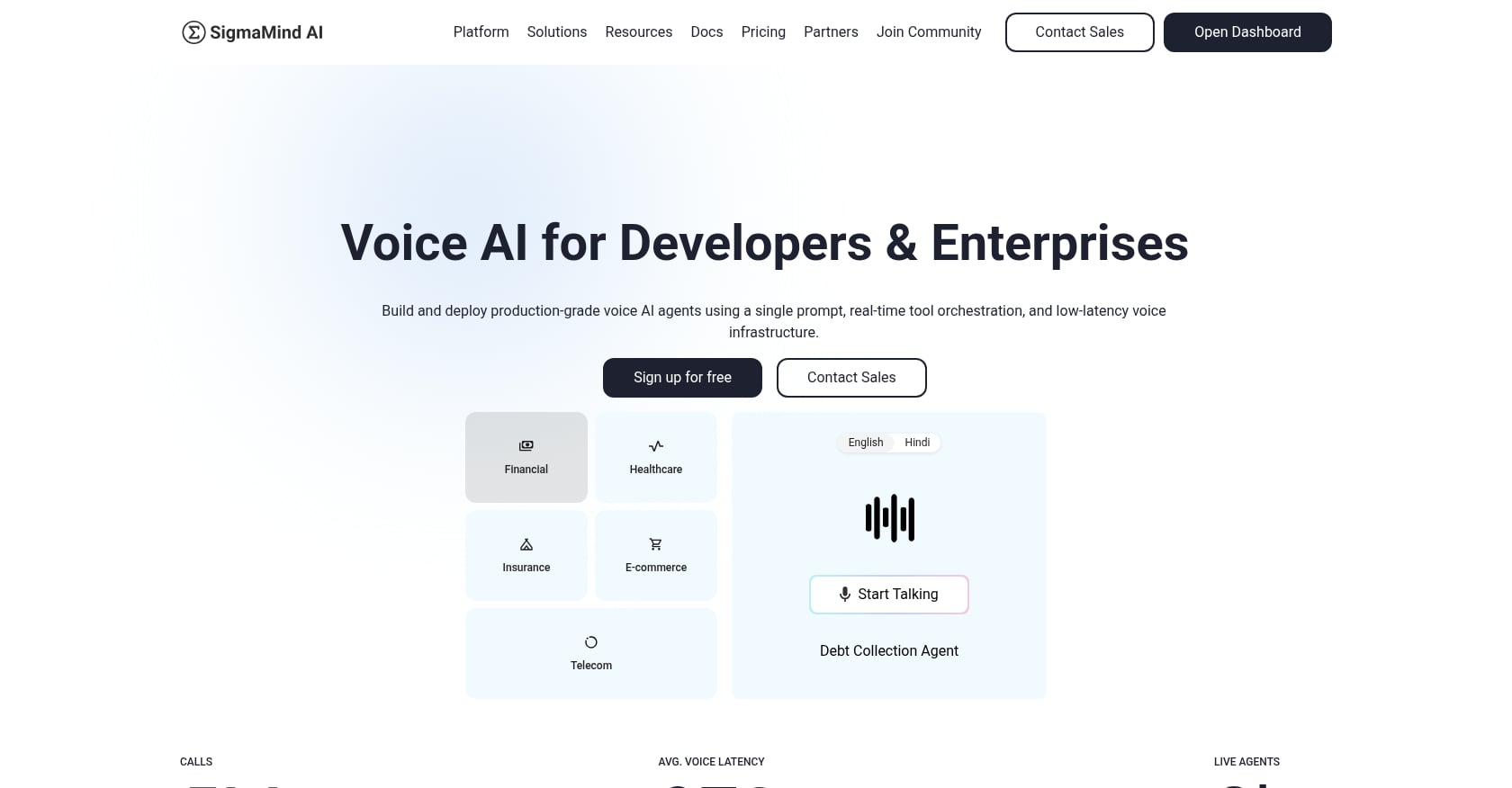
Best for: Buyers that need autonomous voice agents with stateful workflow control, a choice of AI providers, and itemized platform and provider costs.
Pricing:
- Voice agents: $0.04/minute platform fee plus provider costs for STT, TTS, LLM, and telephony
- Chat agents: $0.005 per AI message plus LLM and optional SMS costs
- Enterprise: custom volume pricing
- Free to start; verify current credit, usage, and payment terms on the SigmaMind AI pricing page
- See the pricing calculator
Key features:
- No-code agent builder with node-based, stateful workflows including branching, variables, tool calls, waits, and escalation logic
- Single-prompt agent creation for rapid prototyping
- In-builder Playground with node-level logs for testing and debugging before go-live
- Model-agnostic provider ecosystem: choose from Deepgram (STT), ElevenLabs, Rime AI, Cartesia (TTS), OpenAI, Claude, Gemini, Hume AI (LLMs)
- Built-in telephony plus BYOC via SIP, Twilio, or Telnyx
- Warm transfer with AI-generated summaries and structured context fields for the receiving human agent
- Function/tool calling via the app integrations library for CRMs, helpdesks, ecommerce, calendars, and custom APIs
- Omnichannel from one logic layer: voice, chat, and email
- Analytics and cost breakdowns by layer (usage, quality, spend)
- Outbound campaigns with CSV upload, scheduling, concurrency caps, and personalization variables
- Agency/BPO features: multiple workspaces and full-agent import across client accounts
- SigmaMind AI states that it supports encryption in transit and at rest, SSO, audit trails, and private cloud options. Confirm current SOC 2 status directly with SigmaMind AI before relying on it for a compliance-sensitive deployment.
Proof:
- In a SigmaMind AI ecommerce refund case study, the featured customer reported automating more than 4,000 refunds per month, reducing costs by 43%, and cutting turnaround time from two to three days to under 60 seconds, with zero processing errors reported.
- In the Gardencup case study, SigmaMind AI reports an 80% reduction in refund processing time, a 20% increase in CSAT, first response time of eight minutes, and a reduction in resolution time from 15 hours to one hour.
Tradeoffs:
- Direct phone number purchase currently limited to US; international deployments need BYO carriers via SIP
- Modular pricing is transparent but requires planning across provider layers
- Depends on third-party AI providers for model/STT/TTS quality and cost
- SigmaMind AI does not currently claim HIPAA compliance. Do not use it for protected health information unless SigmaMind AI confirms the required safeguards and signs an applicable business associate agreement.
Why it ranks #1: SigmaMind AI ranks first in this comparison because it combines stateful workflows, developer APIs, model choice, telephony options, and layer-level cost reporting. Its agents can perform actions such as checking orders, processing refunds, updating CRMs, booking appointments, and transferring callers with context.
2. Retell AI
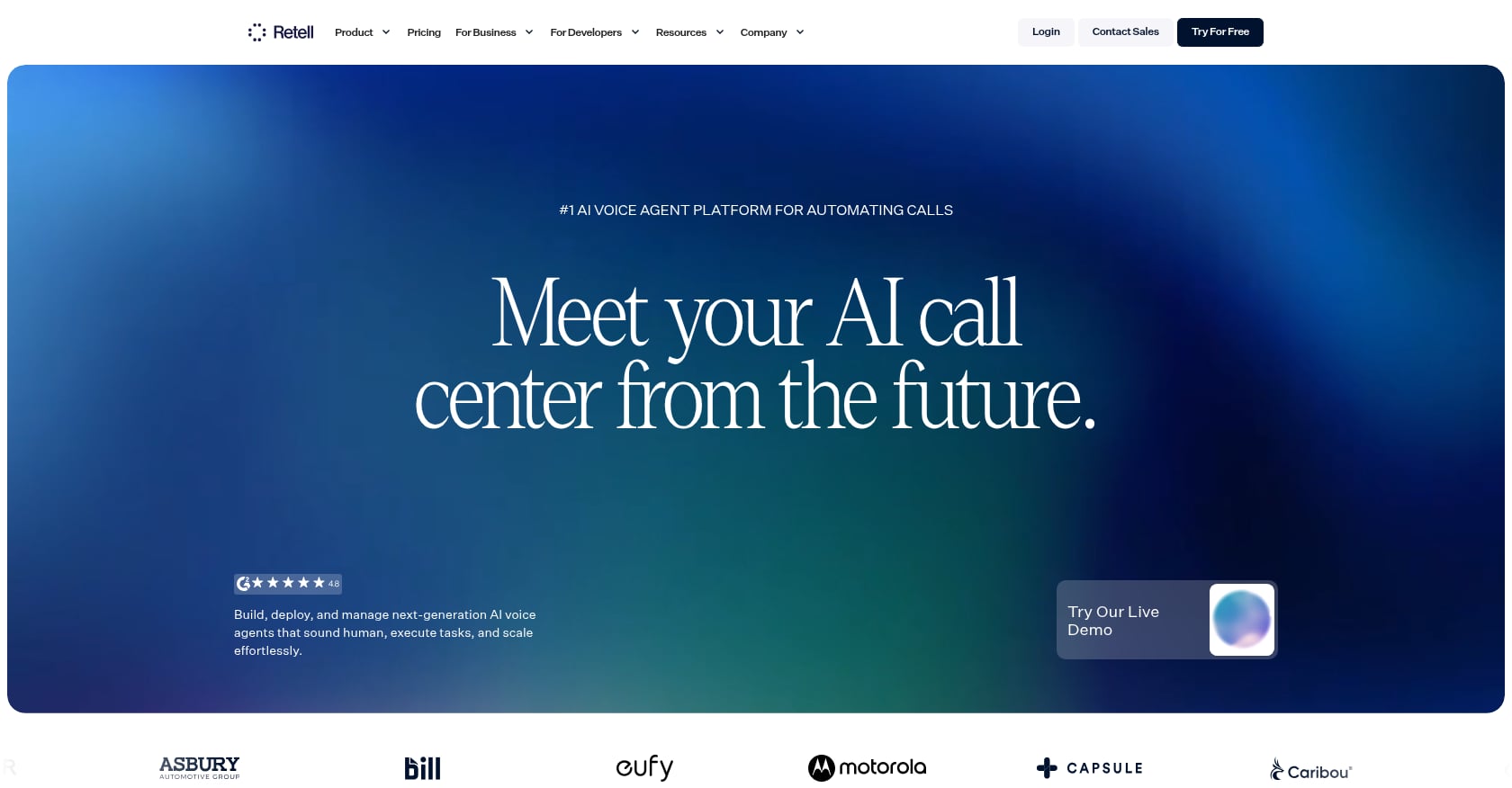
Best for: Buyers that want to launch a voice-agent pilot quickly through prebuilt templates and integrated telephony.
Pricing:
- Pay-as-you-go voice agents: $0.07–$0.31/minute
- $10 in free credits
- 20 free concurrent calls
- Add-ons for knowledge base, batch calls, branded caller ID, guardrails, PII removal, AI QA
- Custom enterprise pricing available
Key features:
- Voice AI agents with prebuilt templates
- Call analytics and transcripts
- Simulation testing
- Webhooks and API access
- Batch calling
- Branded caller ID
- Call transfer
- Knowledge base integration
Tradeoffs:
- Voice-first platform, not the strongest for teams wanting unified voice + chat + email logic
- Retell AI combines a base rate with optional components and add-ons, so buyers should model the configuration they plan to use before comparing it to a single headline number.
- Billing exceptions apply: calls shorter than 10 seconds with dynamic opening messages may be billed at a 10-second minimum, and prompts over 3,500 LLM tokens can trigger proportional billing-duration scaling
- Cost varies based on LLM, TTS, telephony, and prompt length choices
User perspective: Retell AI combines telephony, speech recognition, speech generation, model orchestration, latency management, and interruption handling in one platform, which shortens the path from signup to a working pilot compared to assembling those pieces separately.
3. Vapi
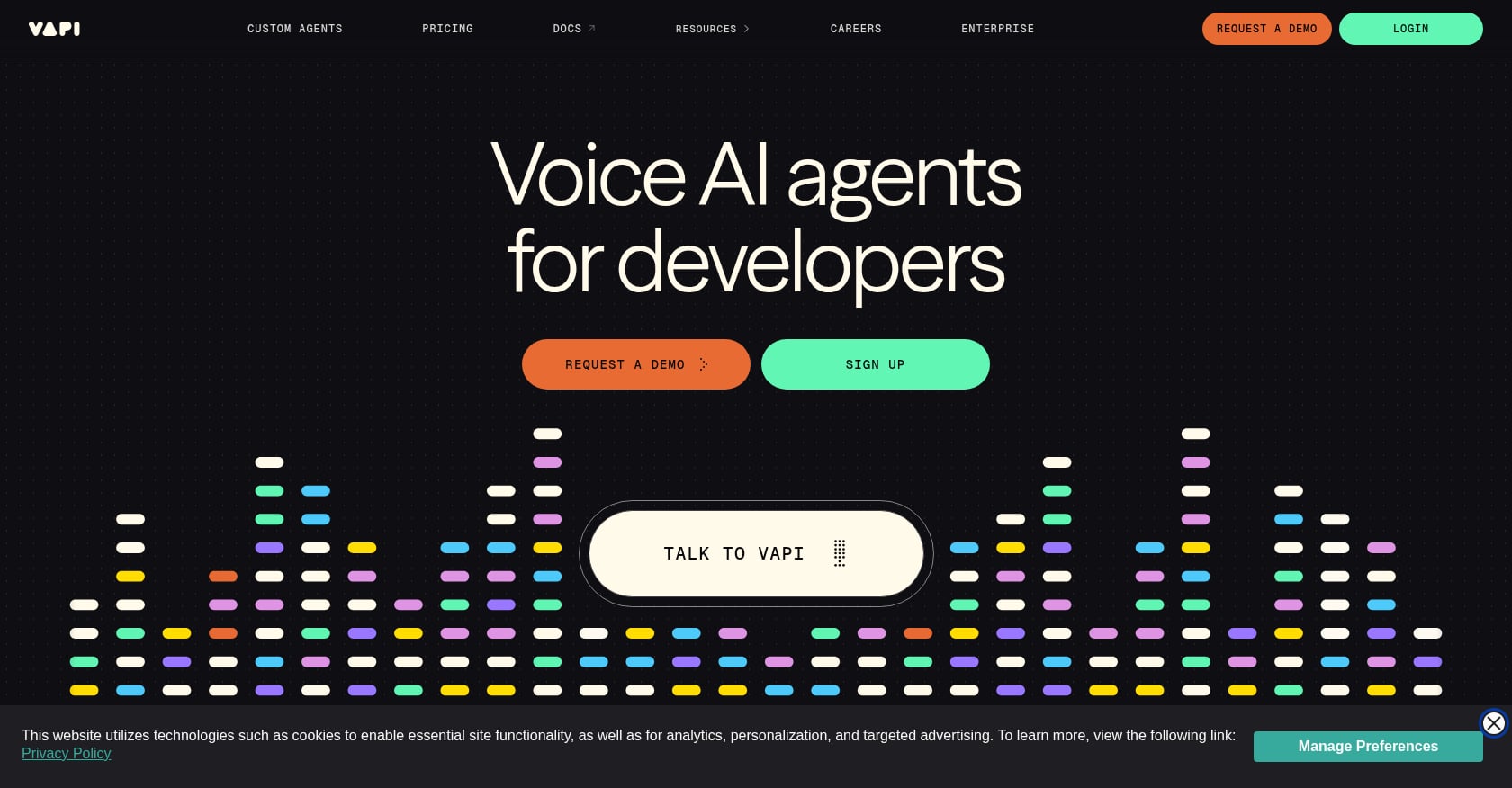
Best for: Developer teams that want API-first control and the ability to bring their own provider keys for STT, TTS, LLM, or telephony.
Pricing:
- $0.05/minute platform fee, prorated per second
- Transcriber, model, voice, and telephony costs charged at cost
- $10 starter credits
- $2/month for phone numbers purchased through Vapi
- Supports BYO provider API keys
Key features:
- API-native voice agents
- Bring your own provider keys (Deepgram, ElevenLabs, OpenAI, etc.)
- Modular voice pipeline
- Custom telephony/provider setup
- Enterprise concurrency and support options
Tradeoffs:
- Headline $0.05/minute is only the platform layer; total cost depends on STT, LLM, TTS, telephony, silence, and phone-number fees
- Requires meaningful developer effort to set up and maintain
- Less ideal for non-technical operations teams that want a visual workflow builder
- Costs can be hard to forecast at scale
User perspective: Practitioner discussion of Vapi commonly describes it as flexible but operationally heavier, since the platform hands buyers direct control over each layer instead of bundling it. That control comes with more configuration and cost management work than a bundled platform requires.
4. Bland AI
Best for: Teams that want simpler, bundled per-minute pricing without calculating separate LLM/STT/TTS/telephony layers.
Pricing:
- Start: $0.14/min, no platform fee, 10 concurrent calls, 100 calls/day
- Build: $299/month + $0.12/min, 50 concurrent calls, 2,000 calls/day
- Scale: $499/month + $0.11/min, 100 concurrent calls, 5,000 calls/day
- Custom enterprise pricing
- LLM, STT, TTS, and telephony included in per-minute rate
Key features:
- AI agent builder with conversational pathways
- Knowledge bases
- Voice cloning
- Call transfers
- SIP/Twilio/BYOC options
- Bundled per-minute billing
Tradeoffs:
- Self-serve plan caps matter: concurrency, calls/day, voice clones, and knowledge bases are limited by tier
- Advanced enterprise features (VPC, on-prem, BAA, warm transfers, guardrails) are gated behind enterprise plans
- Less provider-level customization than fully modular platforms
- Bundled pricing means less ability to optimize cost/performance by swapping individual components
User perspective: Interruption handling is worth testing directly rather than taking on faith, since barge-in behavior varies by platform and by call conditions. Run live test calls with real interruptions before committing to a rollout.
5. PolyAI
Best for: Large enterprises that want polished, managed voice assistants for high-volume phone support in banking, hospitality, insurance, retail, and telecom.
Pricing:
- Enterprise/custom only; not self-serve
- Public UK G-Cloud pricing shows per-minute tiers starting around £0.27/minute at 500,000 minutes/year and dropping to £0.17/minute at higher volumes
- Treat this as procurement-context pricing, not universal commercial rates
Key features:
- Enterprise voice assistants with human-like voice quality
- Call deflection and containment
- Industry-focused use cases
- Multilingual support
- Managed enterprise implementation
Tradeoffs:
- Enterprise sales motion only; no self-serve builder for quick experimentation
- Limited transparent pricing
- PolyAI uses a managed enterprise implementation rather than a self-serve deployment model, so buyers should confirm expected implementation time during procurement.
- Less suited for agencies, small teams, or developers who want to iterate quickly
User perspective: PolyAI holds a reported 5.0/5 G2 rating from 12 reviews. Reviewers highlight voice quality, integration support, and response speed, though the small review count limits how much weight any single theme should carry.
6. Cognigy
Best for: Large enterprises modernizing contact center automation with existing CCaaS/CRM infrastructure and complex global integration needs.
Pricing:
- Based on number of billable conversations processed through the platform
- Custom enterprise pricing
Key features:
- Enterprise AI-first CX platform
- Voice Gateway for automated phone conversations
- Speech recognition, NLU, dialogue management, and TTS/STT
- Contact center connectivity and CCaaS/CPaaS integrations
- Barge-in, DTMF handling, recording, agent handoff, answering machine detection
- 100+ languages and machine translation
- Enterprise monitoring and call traffic history
Tradeoffs:
- Enterprise implementation complexity is significant
- Voice Gateway is an add-on to Cognigy.AI, not a standalone product; documentation states users should contact Cognigy technical support for access
- Not ideal for small teams wanting same-day deployment
- Some G2 reviewers mention lack of advanced analytics and issues with complex workflows
User perspective: Cognigy.AI holds a reported 4.6/5 G2 rating from 13 reviews, with reviewers citing enterprise integration depth as a recurring strength.
7. Parloa
Best for: Enterprise customer service organizations that want an AI agent management platform with lifecycle control (design, test, scale, optimize).
Pricing:
- Subscription tiers varying by usage levels and feature access
- Custom pricing depending on scale and specific needs
- Not publicly listed in detail
Key features:
- AI Agent Management Platform
- Voice and chat conversational AI
- Telephony and CRM integrations
- Dialog design, testing, and scaling
- Analytics and reporting
Tradeoffs:
- Very low public review volume (G2 shows 4.0/5 from just 1 review)
- Limited public pricing transparency
- Parloa uses custom pricing, so buyers need to contact its enterprise sales team and confirm implementation requirements.
- Harder to evaluate without extensive demos and references
User perspective: G2 lists only one Parloa review, too small a sample for a reliable consensus. Evaluate Parloa through a workflow-specific demo, customer references, and a total-cost estimate instead of public review volume.
8. Voiceflow
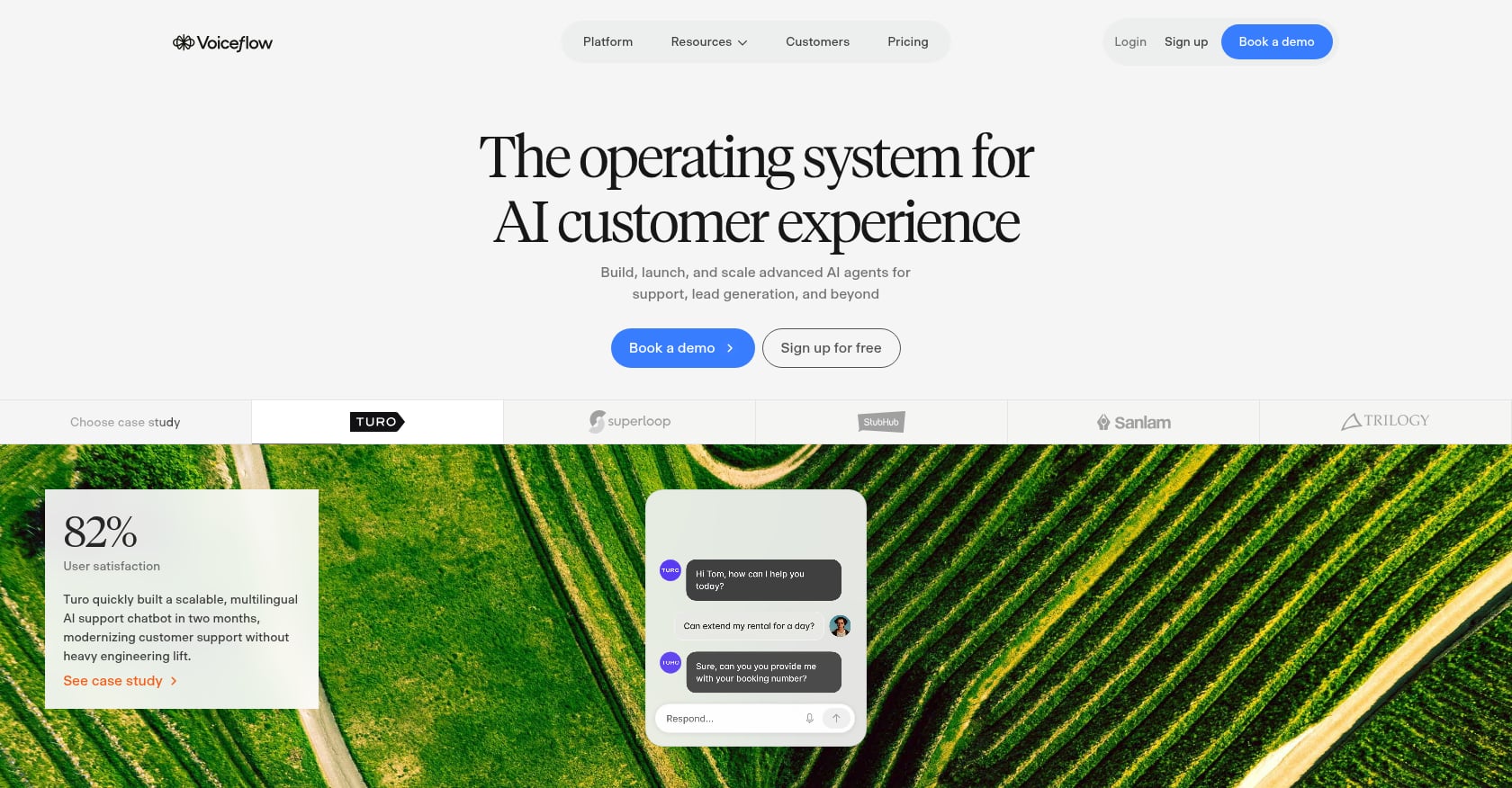
Best for: Conversation designers and CX/product teams that need to prototype and build voice/chat experiences collaboratively.
Pricing:
- Monthly plan fee plus optional add-ons (editor seats, phone numbers) and credit-based usage
- Current pricing visible inside the dashboard’s Plans and Billing tab
- Agency/partner pricing available
Key features:
- Visual agent builder with drag-and-drop design
- Voice and chat deployment
- Team collaboration features
- Integrations and observability
- Development/staging/production environments
Tradeoffs:
- Voiceflow emphasizes collaborative conversation design and prototyping. Buyers planning high-volume phone automation should verify latency, concurrency, telephony, and support requirements in a production test.
- Pricing can be difficult to forecast because usage credits, add-ons, model choice, voice calls, and messages all factor in
- G2 reviewers mention limitations around analytics, GDPR compliance, and voice capabilities in non-English languages
- May require additional technical integration for production call-center workflows
User perspective: Voiceflow holds a 4.6/5 G2 rating from 110 reviews. Users praise the ease of use, customization options, and community support, but note challenges with analytics and enterprise controls.
9. NICE CXone Mpower
Best for: Large regulated contact centers that need workforce management, quality assurance, routing, compliance recording, and analytics in one enterprise CCaaS platform.
Pricing:
- Omnichannel Suite: $110/agent/month
- Essential Suite: $135/agent/month
- Core Suite: $169/agent/month
- Complete Suite: $209/agent/month
- Ultimate Suite: $249/agent/month plus $0.25 per session
- G2 lists Digital Agent starting at $71/agent/month and Voice Agent starting at $94/agent/month
Key features:
- Full CCaaS platform with voice and digital channels
- Omnichannel routing
- Workforce management
- Quality management and interaction analytics
- Copilot and AI features
- Digital and voice agents
- Compliance and call recording
- Performance management
Tradeoffs:
- Per-seat pricing may fit contact centers that still require workforce management and routing for human agents. Buyers seeking to reduce human-handled volume should compare the required seat count and AI usage charges with an autonomous voice-platform model.
- Heavyweight enterprise implementation
- Better as a full contact center suite than a lightweight autonomous voice-agent platform
- Some G2 users report lag, glitches, call issues, and a learning curve
User perspective: NICE CXone Mpower holds a 4.3/5 G2 rating from 1,728 reviews. Users praise the intuitive interface and productivity improvements but note occasional performance issues and reporting complexity.
10. Five9
Best for: Existing high-volume contact centers with inbound/outbound operations that need intelligent routing, predictive dialing, monitoring, and AI-assisted workflows.
Pricing:
- Generally quote-based
- Forbes Advisor reports Digital plan starting at approximately $119/month
- Consultation required for custom pricing
Key features:
- Cloud contact center platform
- Intelligent routing
- Agent monitoring
- Omnichannel tools
- Workforce engagement
- AI-powered automation via Genius AI
- Predictive and outbound dialing
- CRM and enterprise integrations
Tradeoffs:
- Strong contact-center infrastructure, but not primarily a self-serve autonomous AI voice-agent builder
- Pricing can be layered and quote-based
- G2 reviews report dropped calls, occasional lag, dated/complex interface, and limited customization
- Better for teams already operating a structured contact center than for developers building AI call agents from scratch
User perspective: Five9 holds a reported 4.1/5 G2 rating from 597 reviews. Some reviewers report system or data-export issues alongside the platform's routing and monitoring strengths.
How to Choose the Right AI Call Center Agent
Match the product category to the capabilities you need before comparing vendors.
- Need stateful voice workflows and itemized provider costs? Consider SigmaMind AI. You can build and test agents in the no-code builder and connect APIs or BYOC telephony as deployment requirements expand.
- Need a quick voice-agent pilot? Retell gets you to a working agent fast.
- Need API-first build control with BYO providers? Vapi supports modular pipeline configuration and bring-your-own provider keys.
- Need bundled per-minute pricing without multi-layer math? Bland keeps unit costs simple.
- Need a managed enterprise voice assistant? PolyAI provides managed implementation for high-volume phone automation.
- Need enterprise contact center orchestration? Consider Cognigy for CCaaS connectivity and multilingual automation, or Parloa for AI-agent lifecycle management.
- Need full CCaaS with WFM, QA, and compliance recording? NICE CXone or Five9.
- Need conversation design and prototyping? Voiceflow provides a visual builder and collaboration features.
Retell AI, Vapi, Bland AI, and SigmaMind AI focus on building autonomous voice agents, while NICE CXone Mpower and Five9 provide broader contact center suites with AI capabilities. Compare products within the category that supplies the routing, workforce management, workflow control, and telephony functions you need.
AI Call Center Agent Pricing: What You Actually Pay
Do not compare AI call center agents by headline price alone. A platform fee covers only one part of the total cost when speech-to-text, text-to-speech, language-model usage, telephony, phone numbers, concurrency, knowledge bases, recording, or compliance features are billed separately, and the fully blended rate commonly lands well above the advertised platform fee.
A discussion in r/AIVoice_Agents recommends calculating a fully blended cost per minute or per qualified conversation. The r/AIVoice_Agents pricing discussion explains how separate service charges can raise the blended cost above the advertised platform fee. Treat the post as an individual account rather than independent pricing research.
Here is how the main pricing models compare:
Compare platforms by the cost of the outcome you need, such as a resolved call, booked appointment, qualified lead, or collected payment. SigmaMind AI’s pricing calculator separates platform and provider costs so you can estimate a blended rate before scaling.
What AI Call Center Agents Can (and Cannot) Automate
Good Candidates for Automation
AI call center agents perform well on structured, predictable workflows:
- Order status and tracking
- Returns and refunds within policy
- Appointment booking and rescheduling
- Appointment reminders and confirmations
- Lead qualification and routing
- Payment reminders
- Basic account questions
- Call triage and intent routing
- After-hours receptionist duties
- FAQ handling
- Ticket creation
- CRM updates
- Simple collections workflows
One ecommerce operator reported a 40% to 50% deflection rate for order status, returns, address changes, and policy questions while routing edge cases to humans. Treat this individual account of contact center automation as an example rather than a benchmark.
What You Should Not Automate
Effective deployments define which calls the AI must transfer to a human.
Keep humans on:
- Angry or emotionally escalated complaints
- Legal or compliance-sensitive issues
- High-value account cancellations
- Medical advice or diagnosis
- Financial advice
- Fraud or security disputes
- VIP accounts
- Ambiguous refund exceptions requiring judgment
- Conversations in which a human must respond to emotional or sensitive circumstances
This aligns with broader industry data. A 2026 Gartner survey of 321 customer service leaders found that 91% felt executive pressure to implement AI. Gartner also reported that nearly 80% planned to move at least some agents into new roles and 84% planned to add skills to the agent role.
Why Handoff Quality Makes or Breaks AI Call Center Agents
A useful handoff gives the human agent enough context to continue the call without making the customer repeat information.
A good AI call center agent should transfer the caller with a transcript, summary, intent, customer ID, collected variables, and next recommended action. Without that context, the human agent may need to repeat questions, which increases handle time and frustrates the caller.
One SaaS practitioner reported that missing transfer context forced the AI or human agent to restart billing conversations. The practitioner’s account of AI voice-agent handoffs illustrates why the transcript and collected variables should accompany the call.
SigmaMind AI’s warm transfer sends the human agent an AI-generated summary and structured data, including intent and customer or ticket variables, before the agent answers. Read more about how to escalate calls to humans without losing context.
Compliance Considerations for AI Calling
The FCC confirmed that AI-generated voices count as artificial or prerecorded voices under the Telephone Consumer Protection Act. The FCC has also proposed additional requirements for AI-generated robocalls and robotexts. Those requirements remain proposed rather than current law, so confirm the docket status before treating them as binding.
Practical compliance guidance for any team deploying an AI call center agent:
- Get proper consent for outbound campaigns
- Respect Do Not Call lists
- Understand state-level call recording laws (one-party vs. two-party consent)
- Disclose AI use where required by law or regulation
- Keep audit logs, transcripts, and opt-out handling records
- Consult legal counsel before launching outbound AI calling programs
Consult qualified legal counsel about the federal, state, industry, and jurisdiction-specific rules that apply to each calling program.
Implementation Checklist
A production launch requires workflow design, system integration, compliance controls, testing, and ongoing review. The checklist below covers the controls to complete before launch.
- Pick one narrow, high-volume workflow to automate first
- Map caller intents and expected conversation paths
- Define clear success and failure conditions for every branch
- Connect required systems (CRM, helpdesk, ecommerce, calendar)
- Write explicit escalation rules for edge cases
- Set compliance and disclosure rules
- Test latency and interruption handling under realistic conditions
- Test tool failures (what happens when the CRM times out?)
- Review transcripts daily during the pilot period
- Track cost per successful outcome, not just containment rate
- Expand to additional workflows only after stable QA results
One developer reported making more than 40 test calls after prompt changes before building automated regression tests. The developer’s voice-agent testing account supports adding repeatable test cases to the release process, although one account does not establish how common the problem is.
For each workflow, test these scenarios specifically:
- Every major intent
- Caller interruptions and barge-in
- Extended silence
- Wrong account/order ID provided
- Angry caller tone
- Noisy background
- Transfer to human
- Tool call timeout or failure
- No availability or no inventory scenarios
- Compliance disclosure delivery
- Call recording consent
The Metrics That Actually Matter
Containment rate measures how often the AI completes an interaction without a human transfer, but it does not show whether the caller received a correct answer or completed the intended task. A voice agent can “contain” a call and still fail the customer if it gives the wrong answer, delays resolution, or causes a repeat contact.
Pair containment rate with these outcome, quality, and cost measures:
- Successful task completion rate (not just containment)
- Escalation rate and escalation quality score
- Repeat contact rate within 24, 48, and 72 hours
- Cost per resolved call or cost per qualified lead
- Average handle time
- First response time
- Transfer abandonment rate
- Tool-call success rate
- Hallucination/incorrect-answer rate
- CSAT after AI-handled calls
- Human QA pass rate on AI transcripts
SigmaMind AI’s analytics dashboard reports usage, quality, and cost data by layer so you can identify failed tool calls, expensive components, and workflows that need review.
FAQ
What is an AI call center agent?
An AI call center agent answers or places calls, interprets speech, performs configured actions, and transfers callers when needed. SigmaMind AI connects those conversations to stateful workflows and business applications. You can use that connection to complete tasks such as booking appointments or processing policy-based refunds during a call.
How much does an AI call center agent cost?
AI call center agent pricing may include per-minute platform fees, provider usage, telephony, add-ons, or per-agent CCaaS fees. SigmaMind AI charges a $0.04-per-minute platform fee for voice agents, plus provider costs, and provides a calculator for estimating the combined rate. Comparing cost per completed outcome helps you account for both usage and workflow success.
Can AI call center agents replace human agents?
AI call center agents can handle defined workflows, but human agents remain necessary for conversations that require judgment, empathy, or regulated expertise. SigmaMind AI supports escalation rules and context-rich transfers for calls that cross those boundaries. That division lets the AI complete repeatable tasks while humans handle exceptions, consistent with Gartner’s finding that 84% of surveyed leaders planned to add skills to agent roles.
What is the difference between an AI call center agent and an IVR?
Traditional IVR uses pre-recorded prompts and button presses to route calls through rigid decision trees. An AI call center agent uses speech-to-text, language models, and text-to-speech to understand natural speech, hold conversations, take actions in back-end systems, and make contextual decisions. The caller talks normally instead of pressing numbers.
Do AI call center agents need Twilio?
AI call center agents do not necessarily require Twilio because platforms may provide native telephony or support other carriers and SIP connections. SigmaMind AI offers native US phone numbers and bring-your-own-carrier connections through SIP, Twilio, or Telnyx. You can retain compatible telephony infrastructure or use SigmaMind AI’s native option for a US deployment.
Are AI voice calls legal?
AI voice calls may be lawful when the caller complies with the rules that apply to the campaign, including the TCPA and relevant consent, disclosure, recording, and Do Not Call requirements. SigmaMind AI provides calling and recordkeeping features, but the deploying company remains responsible for configuring and operating them lawfully. Legal review before launch helps identify the federal, state, industry, and jurisdiction-specific requirements for the campaign.
How do AI call center agents handle transfers to humans?
A human transfer routes an active call from the AI to a person, with the amount of accompanying context varying by platform. SigmaMind AI can pass an AI-generated summary and structured fields such as caller intent, customer ID, and collected variables to the receiving agent. That context can reduce repeated questions and help the agent continue the workflow.
What calls should I automate first?
Start with a structured workflow that has clear inputs, permitted actions, success criteria, and escalation rules, such as order status or appointment confirmation. SigmaMind AI lets you model that workflow with branches, tool calls, variables, and human handoff conditions. A narrow first deployment makes testing easier and provides a measurable basis for deciding whether to expand.
To evaluate the workflow in your own environment, you can build a SigmaMind AI agent or contact the SigmaMind AI team about enterprise requirements. Confirm the current free-tier terms before describing the agent as free.
Evolve with Sigma Mind AI
Build, launch & scale AI agents
Related Blogs
Ready to transform your call center?

More Conversations.
Less Manual Work.

Building from San Francisco, CA