
Top 10 Contact Center Speech to Text Engines (2026)
Compare 10 contact center speech to text engines in 2026—pricing, latency, accuracy, and billing gotchas. Get a testing framework to choose well.
IN this article

Evolve with Sigma Mind AI
Build, launch & scale AI agents
TL;DR
Choosing the right contact center speech to text engine comes down to four things: real-time latency, billing model transparency, accuracy on messy telephony audio, and how well the API fits your call flow. This guide compares 10 production-ready STT engines with 2026 pricing, exposes the per-channel and session-based billing gotchas vendors skip, and gives you a concrete testing framework. If you want to avoid vendor lock-in, a model-agnostic orchestration layer lets you swap STT providers per queue or locale without rebuilding your agent logic.
At-a-Glance Comparison: Contact Center STT Pricing and Fit
ProviderStreaming Price (USD)Billing GotchaPII RedactionBest ForDeepgram (Nova-3)$0.0077–$0.0092/minAdd-ons (diarization, redaction) raise true costAdd-on ($0.0020/min)Sub-second agent assistAssemblyAI$0.15–$0.45/hrSession-based billing; idle streams still billedAvailableStreaming + audio intelligenceGoogle Cloud STT v2$0.016/min (tiered)Per-channel billing doubles cost on stereoNot bundledGCP-native stacksAmazon Transcribe$0.024/min (tiered)Call Analytics priced separately ($0.030/min T1)Included in base STTAWS/Connect shopsAzure Speech to Text~$1/hr (region-dependent)Pricing varies by region/commit; confirm in tenantAdd-on for real-timeMicrosoft/Teams enterprisesSpeechmaticsFrom $0.24/hr50 concurrent RT sessions on ProAvailableMulti-accent global queuesSoniox~$0.12/hr streamingToken-based model requires input/output modelingAvailableCost-sensitive high volumeOpenAI Whisper/4o$0.003–$0.006/minRealtime API latency unproven at scaleLimitedPrototypes, batch transcriptionRev AIContact salesOpaque self-serve pricingAvailableAI + human hybrid workflowsGoogle CCAI (via CCaaS)GCP STT v2 rates + partner marginPartner billing adds complexityDepends on integrationEmbedded CCaaS deployments
Prices as of April 2026. Confirm current rates before purchasing.
For teams building production voice agents that need to pick (and potentially swap) STT providers, SigmaMind’s pricing page breaks down exactly how platform fees, STT, TTS, LLM, and telephony costs stack up per minute.
What Matters for Contact Center Speech to Text in 2026
Generic STT benchmarks tell you almost nothing about how an engine will perform in a real contact center. The audio is worse, the stakes are higher, and the billing math is more complicated than vendor marketing suggests.
Latency Targets for Interactive Voice
For real-time agent assist or voice AI that responds during a live call, you need voice-to-voice latency under 500 to 800 milliseconds. That means the STT engine needs to produce stable partial transcripts fast enough for your downstream logic (whether that’s an LLM generating a response or a real-time prompt feeding an agent’s screen).
The tradeoff is simple: faster partials mean less context per chunk, which can hurt final transcript accuracy. Some engines let you tune this balance. Others don’t.
Dual Channel vs. Diarization
Contact centers typically have two options for separating agent and caller speech. The first is recording two separate audio channels (one per party), which avoids diarization errors entirely. The second is recording a single mixed channel and relying on the STT engine’s diarization to figure out who said what.
Dual-channel is more reliable but costs more with certain providers. Google Cloud STT v2, for example, bills each channel separately, so a stereo call effectively doubles your transcription minutes. Amazon Transcribe includes two channels in its standard pricing, which is a meaningful cost difference at scale.
PII Redaction and Compliance
If callers read out credit card numbers, Social Security numbers, or account details, your transcripts need redaction before they hit storage. Some providers include PII redaction in the base price. Amazon Transcribe bundles it with standard STT. Deepgram charges $0.0020/min as an add-on. That distinction matters when you’re running thousands of concurrent calls.
For teams in healthcare or financial services, the question extends beyond redaction to data residency, encryption, and BAA availability. If you’re automating customer support workflows that handle sensitive data, verify these details before running a single call through any API.
Accents, Noise, and Code-Switching
This is where vendor WER charts fall apart. Practitioners on Reddit consistently report that Deepgram, AssemblyAI, and Google all underperform their published benchmarks on Indian English, Nigerian English, and other accented speech. Diarization quality and punctuation accuracy matter just as much as raw word error rate for downstream analytics.
Code-switching, where a caller switches between languages mid-sentence (English to Spanish, Tagalog to English), breaks many models entirely. One team testing contact center speech to text options found that AssemblyAI’s streaming handled code-switching better than alternatives, though the results still weren’t perfect. The takeaway: test on your actual call recordings, not vendor demo clips.
Telephony Audio Realities
Contact center audio is typically 8 kHz µ-law, which is far narrower than the wideband audio most STT models are optimized for. Add in background noise from call center floors, VoIP compression artifacts, and crosstalk on conference bridges, and accuracy drops further.
If you’re integrating via Twilio Media Streams or Telnyx WebSockets, you also need to handle frame sequencing, backpressure, and endpointing. Practitioners on Reddit note that separating media I/O from LLM processing and handling WebSocket reliability properly improves perceived latency more than swapping STT models. Architecture choices matter as much as model selection.
The 10 Best Contact Center Speech to Text Engines
1. Deepgram
Best for: Sub-second streaming latency in interactive agent assist and voice agent deployments.
Pricing:
- Nova-3 Monolingual: $0.0077/min streaming
- Nova-3 Multilingual: $0.0092/min streaming
- Nova-1/2 (legacy): $0.0058/min
- Add-ons: diarization $0.0020/min, PII redaction $0.0020/min, keyterm prompting $0.0013/min
Key features:
- Ultra-low-latency real-time streaming with configurable endpointing
- Audio Intelligence add-ons for sentiment, topics, intent detection
- SOC 2 and HIPAA posture for enterprise deployments
- Strong developer documentation and SDK support
Tradeoffs:
- The headline price of $0.0077/min doesn’t include diarization or redaction. Once you add both, the true cost for contact center use rises to roughly $0.0117/min.
- Multilingual accuracy on accented and noisy calls can vary compared to Speechmatics or AssemblyAI, according to practitioner tests.
- Some developers report grammar and speaker differentiation gaps on messy audio.
Practitioner perspective: Developers consistently praise Deepgram’s speed. For voice agent flows where every 100ms counts, it’s the go-to. But teams running global queues with heavy accent variation often supplement it with a second engine for specific locales.
2. AssemblyAI
Best for: Streaming transcription with built-in audio intelligence features (sentiment, topic detection, speaker labels) and strong code-switching support.
Pricing:
- Universal-Streaming: $0.15/hr
- Universal-3 Pro Streaming: $0.45/hr
- Whisper-Streaming: $0.30/hr
- Free $50 credit for new accounts
- Multichannel billed per channel
Key features:
- Real-time English and multilingual models
- Speaker identification included in streaming
- Keyterm prompting for domain-specific vocabulary
- No hard concurrency ceiling; auto-scales with demand
Tradeoffs:
- Session-based billing means you pay for the duration the stream is open, not just the audio that flows through it. If your integration keeps streams open during hold music or silence, you’re paying for dead air.
- Costs escalate quickly at high volume. Multiple teams have flagged scaling costs as a concern.
- Multichannel calls billed per channel, same as Google.
Practitioner perspective: Teams dealing with bilingual queues (Spanish/English in particular) report workable 300-500ms latency with solid code-switching performance. The built-in audio intelligence features reduce the need for a separate analytics pipeline.
3. Google Cloud Speech-to-Text v2
Best for: Organizations already on GCP that need broad language coverage and predictable tiered pricing at high volume.
Pricing:
- Standard recognition: $0.016/min, tiered down to $0.004/min at 2M+ minutes
- Per-second billing
- Each audio channel billed separately (dual-channel doubles your minutes)
Source: Google Cloud STT pricing
Key features:
- Streaming and batch modes with Chirp and phone_call models
- Automatic language identification
- Enterprise quotas and scaling controls
- Strong integration with Google CCAI and BigQuery for analytics
Tradeoffs:
- Per-channel billing is the biggest gotcha. A stereo contact center recording that runs 10 minutes gets billed as 20 minutes. At scale, this doubles your expected cost.
- Practitioners on Gartner report accuracy drops on accented audio compared to vendor benchmarks.
- Dynamic batch vs. real-time pricing requires careful cost modeling.
Practitioner perspective: Reliable and well-documented for clean input. Falls short on noisy telephony audio with heavy accents. Best choice when your analytics stack is already Google-native.
4. Amazon Transcribe + Call Analytics
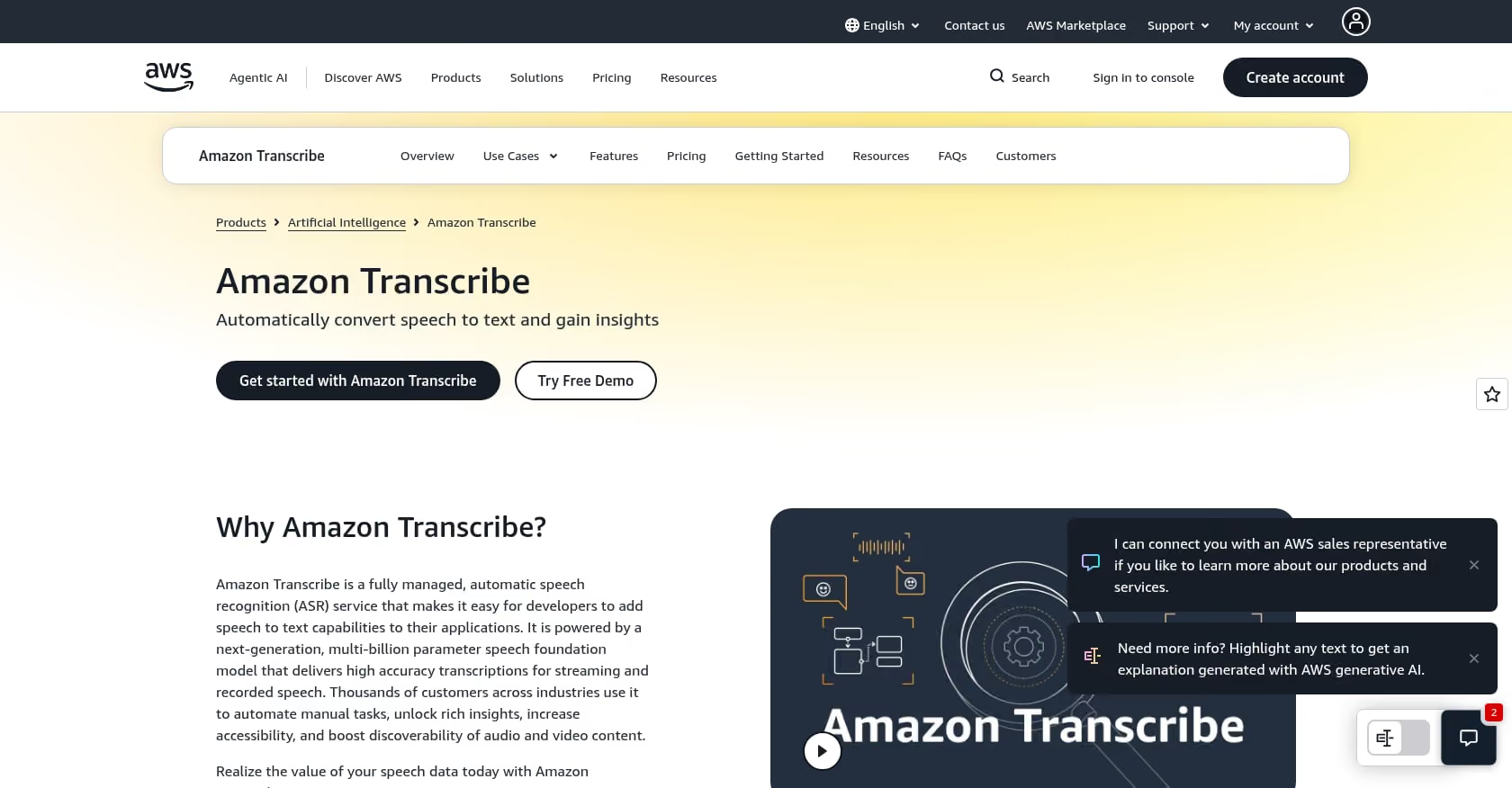
Best for: AWS-centric teams and Amazon Connect users who want contact-center-specific analytics without bolting on third-party tools.
Pricing:
- Standard STT: $0.024/min (Tier 1), with tiered discounts at volume
- Billed by the second, 15-second minimum
- Two channels included in standard pricing
- PII redaction and custom vocabulary included in base STT
- Call Analytics priced separately: $0.030/min (Tier 1)
Source: AWS Transcribe pricing
Key features:
- Streaming and batch transcription
- Call Analytics adds categories, sentiment scores, interruption detection, and issue tracking
- Diarization and automatic language identification
- Feature matrix documents exactly which capabilities work in streaming vs. batch
Tradeoffs:
- Not the cheapest per-minute rate, and Call Analytics adds a meaningful cost layer.
- 4-hour maximum streaming session limit requires session management for long calls.
- Practitioners on Reddit report diarization labeling issues with Twilio Flex, recommending channel identification as a workaround.
Practitioner perspective: The inclusion of PII redaction and custom vocabulary in the base price is a genuine cost advantage for compliance-heavy contact centers. The Call Analytics tier is worth it if you’d otherwise need to build sentiment and category detection yourself.
5. Microsoft Azure Speech to Text
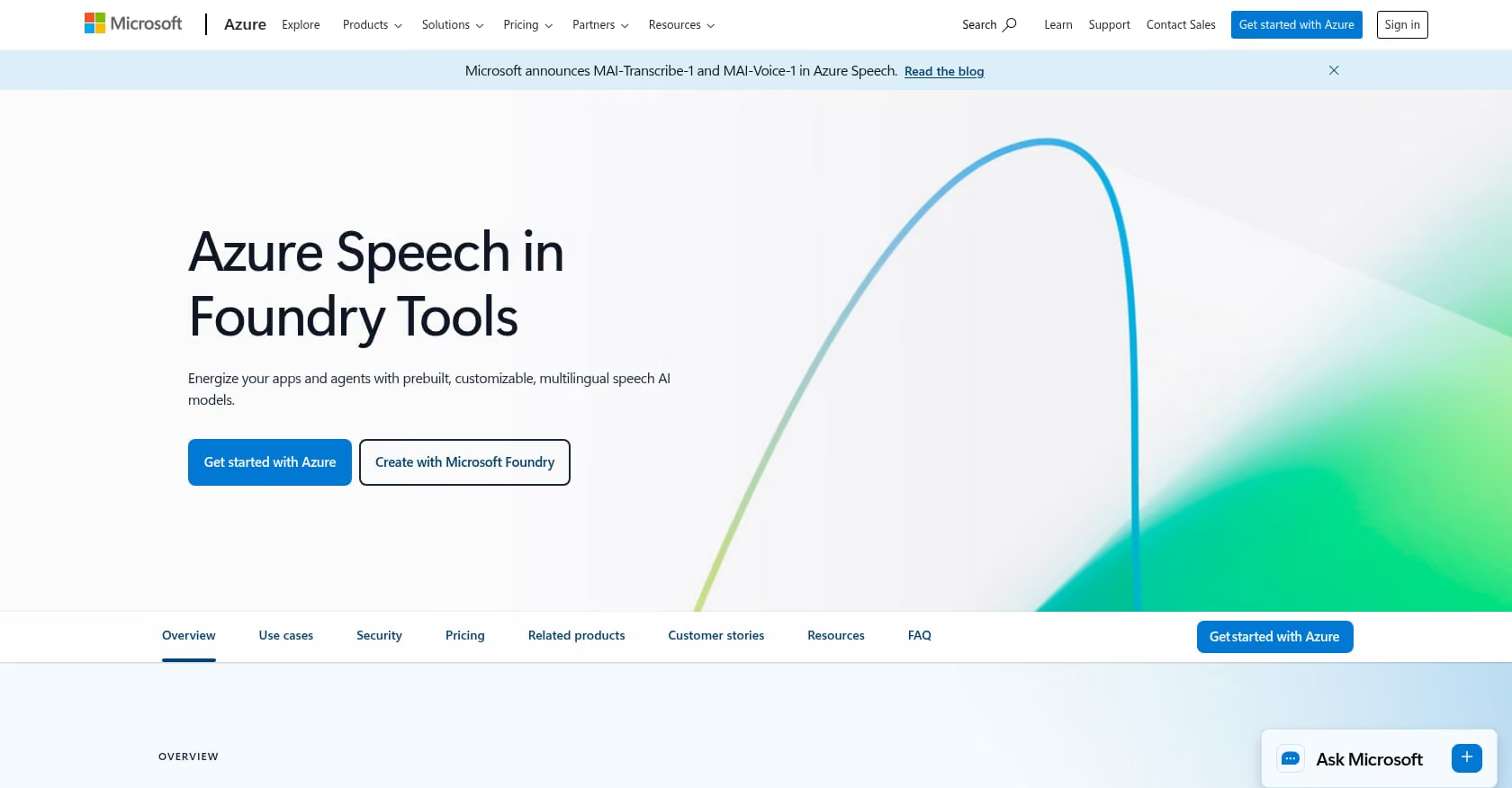
Best for: Regulated enterprises standardizing on Microsoft Azure, Teams, or Dynamics 365 Contact Center.
Pricing:
- Billed per second
- Community threads and rate cards indicate approximately $1/hr for real-time standard in many regions
- Add-on pricing for continuous language ID and real-time diarization
- Validate rates in your Azure tenant’s pricing calculator
Source: Azure Speech Services pricing
Key features:
- Streaming and batch modes
- Custom Speech for domain-specific vocabulary and acoustic adaptation
- Language identification and diarization
- Deep integration with Microsoft compliance and security infrastructure
Tradeoffs:
- Pricing opacity is a real problem. The public pricing page renders numbers dynamically by region and commitment tier, making direct comparison difficult. Community threads confirm the confusion.
- Some add-on features (like real-time diarization) are charged separately, while batch diarization may be included, adding billing complexity.
- Not the fastest option for interactive voice flows.
Practitioner perspective: Predictable within Azure ecosystems but hard to evaluate from outside. If your organization is already paying for Azure Enterprise Agreement licenses, the effective cost may be lower than list price suggests.
6. Speechmatics
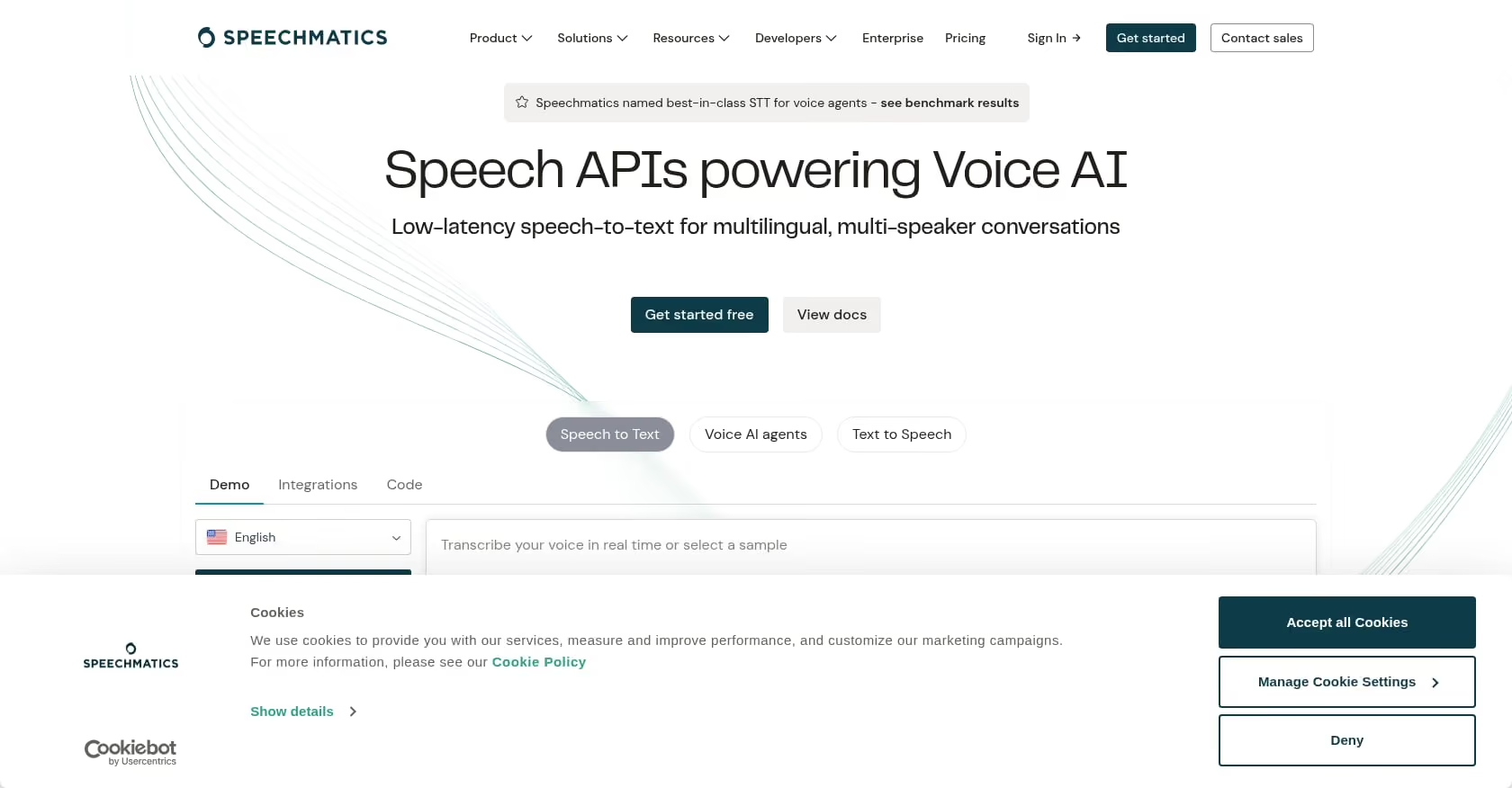
Best for: Global contact centers handling diverse accents (EMEA, APAC, Africa) and noisy or overlapping speech.
Pricing:
- Pro tier: from $0.24/hr
- Free tier: 480 minutes/month
- 50 concurrent real-time sessions on Pro
- Volume discounts above 500 hours/month
Key features:
- 55+ languages with strong multilingual and accent coverage
- Real-time streaming with configurable latency/accuracy tradeoff
- On-premises and private cloud deployment options
- Developer program with generous free tier
Tradeoffs:
- Headline WER claims are vendor-published. Speechmatics themselves acknowledge the limitations of benchmark-based accuracy claims, which is refreshingly honest but means you still need to test.
- 50 concurrent session cap on Pro may be limiting for larger contact centers.
- Less developer community buzz compared to Deepgram or AssemblyAI.
Practitioner perspective: Repeatedly cited by practitioners in speech tech forums as more reliable on accented and overlapping audio than most competitors. Positive feedback on timestamp alignment, which matters for compliance and QA workflows. If your call center handles calls from multiple countries, this is the engine to test first.
7. Soniox
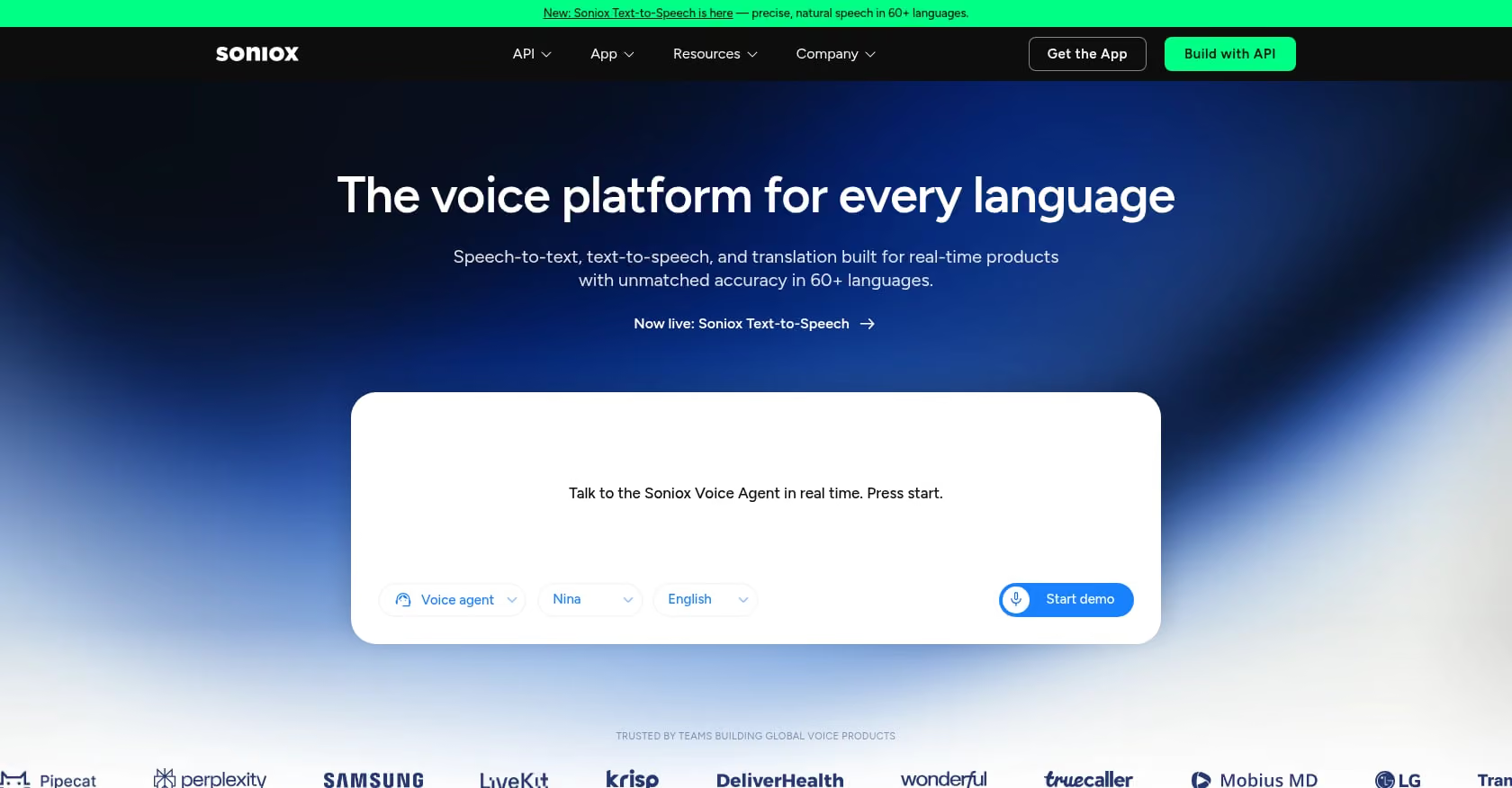
Best for: Cost-sensitive, high-volume transcription pipelines, especially batch QA and analytics.
Pricing:
- Token-based pricing model
- Approximately $0.10/hr async, $0.12/hr streaming
- 1 hour of audio ≈ 30k input audio tokens
Key features:
- Fast streaming with speaker separation
- Structured output support
- Strong multilingual positioning
- Dedicated call center use case page
Tradeoffs:
- Token-based pricing is conceptually different from per-minute billing. You need to model both input and output token costs to forecast bills accurately.
- Fewer public reviews and community discussions compared to established players.
- Validate accuracy claims on your specific audio, as independent benchmarks are limited.
Practitioner perspective: Soniox is the newcomer with aggressive pricing. For teams processing large volumes of recorded calls for quality assurance rather than real-time agent assist, the cost savings could be significant. But the lack of community validation means you’re taking on more evaluation risk.
8. OpenAI Whisper / GPT-4o Transcribe

Best for: Developer prototypes, batch transcription at rock-bottom prices, and teams already in the OpenAI ecosystem.
Pricing:
- Whisper API: $0.006/min
- GPT-4o-transcribe: $0.006/min
- GPT-4o-mini-transcribe: $0.003/min
Key features:
- File-based and Realtime API options
- Diarization available on 4o family
- Broad language coverage
- Massive developer community and documentation
Tradeoffs:
- The Realtime API via the 4o stack is newer and not yet battle-tested for high-concurrency contact center deployments. Measure latency carefully before committing.
- File-based Whisper is not suitable for real-time agent assist; it’s a batch tool.
- Many teams eventually move to self-hosted Whisper (faster-whisper) to cut costs but take on GPU infrastructure management.
Practitioner perspective: One founder shared on Reddit that they cut speech API costs dramatically by self-hosting faster-whisper instead of using hosted APIs. This works for batch analytics but adds real operational complexity. For real-time contact center speech to text, the hosted Realtime API is the path, but latency benchmarks in production telephony environments are still scarce.
9. Rev AI
Best for: Enterprises wanting an AI-first transcription API with the option to fall back to human transcription for high-stakes calls.
Pricing:
- API pricing typically requires sales engagement
- Rev.com consumer rates (AI and human tiers) are published separately
- Enterprise rates negotiated based on volume
Key features:
- Streaming and async ASR
- Strong diarization, especially on long-form audio
- Human transcription fallback through Rev.com
- Active in open-source ASR (Reverb model)
Tradeoffs:
- Opaque self-serve pricing makes quick evaluation difficult.
- The human fallback option adds cost and latency, so it’s practical only for post-call workflows.
- Less community discussion of telephony-specific accuracy compared to Deepgram or Speechmatics.
Practitioner perspective: Rev’s strength is the hybrid model. For contact centers that need legally defensible transcripts (think compliance recording for financial services), the ability to route ambiguous calls to human review is a genuine differentiator.
10. Google CCAI via CCaaS Platforms

Best for: Contact centers running Cisco, Genesys, or other CCaaS platforms that have existing Google CCAI integrations.
Pricing:
- Based on GCP STT v2 rates plus partner billing margins
- Per-channel billing still applies
- Pricing varies significantly by CCaaS partner and contract terms
Source: Google Cloud STT pricing | Cisco CCAI provisioning guide
Key features:
- Integrated agent assist, virtual agents, and analytics pipelines
- Data residency and compliance controls through GCP
- Pre-built connectors for major CCaaS vendors
Tradeoffs:
- Integration complexity is high. Provisioning CCAI through a CCaaS partner involves multiple configuration layers.
- Partner margins add cost beyond raw GCP STT rates.
- Per-channel billing from Google v2 still applies, even through partner deployments.
- Harder to swap STT engines later due to tight coupling with the CCaaS platform.
Practitioner perspective: This option makes sense when your CCaaS contract already includes CCAI and switching costs are low. For greenfield deployments, building your own integration with a dedicated STT engine gives you more control and usually lower costs.
How to Test Contact Center Speech to Text With Your Own Calls
Vendor benchmarks are marketing. The only accuracy numbers that matter are the ones you generate from your own call recordings. Here’s a practical framework.
Build a 5-call test pack:
- Clean US English, standard customer service interaction
- Accented English (Indian, Nigerian, or whatever accents your queue handles)
- Code-switching call (Spanish to English, Tagalog to English)
- Noisy environment with crosstalk or background chatter
- Alphanumeric-heavy call (account numbers, confirmation codes, spelled-out names)
Score each engine on:
- Final word error rate (WER) compared to a human-verified transcript
- Punctuation and capitalization quality (matters for readability in agent dashboards)
- Diarization error rate (DER), whether speaker labels are consistent and correct
- Time-to-first-token, how quickly the first partial appears
- Finalization delay, the gap between speech ending and final transcript arriving
- PII redaction completeness, whether all sensitive data gets caught
Track the real cost:
- Actual billed minutes (including per-channel multipliers)
- Add-on charges for diarization, redaction, and language ID
- Session time vs. audio time if using session-based billing
You can run these tests quickly in SigmaMind’s playground, which shows node-level logs and latency breakdowns. To understand how STT quality connects to broader call quality metrics, this guide on measuring AI call interaction quality covers the operational side.
Architecture Notes for Twilio, Telnyx, and SIP Integration
The most common integration pattern for real-time contact center speech to text is WebSocket-based media streaming. Both Twilio Media Streams and Telnyx offer bi-directional WebSocket connections that forward raw audio from live calls to your STT engine.
Key integration considerations:
- Frame sequencing: Media stream packets include sequence numbers. If packets arrive out of order or get dropped, your STT engine receives garbled audio. Always validate sequence numbers and handle gaps.
- Backpressure management: If your STT processing falls behind the audio stream, packets queue up and latency balloons. Separate your media I/O from any LLM or business logic processing. Run them in different threads or processes.
- Endpointing and turn detection: Different STT engines have different defaults for how long they wait after silence before finalizing a transcript. In contact center calls, pauses are common (customers looking up account numbers, agents typing). Aggressive endpointing creates fragmented transcripts. Tune this for your call patterns.
- Partial stability: Some engines revise partial transcripts as more audio arrives. If your agent assist logic acts on partials (for example, triggering a knowledge base lookup), unstable partials cause false triggers. Deepgram and AssemblyAI both offer controls here, but the defaults differ.
For BYOC SIP setups, the architecture is similar but you’re managing the SIP trunk directly. This gives more control over codec selection (you can negotiate wideband codecs instead of being stuck with 8 kHz µ-law) but adds operational complexity.
Practitioners consistently emphasize that WebSocket reliability engineering delivers more perceived latency improvement than switching STT models. Get the plumbing right first.
Build Once, Swap Models Later
The contact center speech to text market is moving fast. Pricing changes quarterly. New models ship monthly. The engine that’s best for your US English queue today may not be the best choice for your APAC expansion next quarter.
This is why an orchestration layer matters. Instead of hard-coding a single STT provider into your call flow, you route audio through a middleware that can send it to different engines based on queue, language, or even time of day (to manage concurrency limits).
SigmaMind’s platform is built for exactly this. It’s model-agnostic, integrating with providers like Deepgram for STT while letting you tune latency, cost, and quality per queue or locale. You design your voice agent workflow once, with branching logic, tool calls, and warm transfers that preserve context, and the STT layer becomes a configurable component rather than a structural dependency.
This approach also gives you cost observability. When STT, TTS, LLM, and telephony are separate line items in your analytics dashboard, you can see exactly where your per-call costs come from and optimize each layer independently. For more on tracking these costs, the guide on difficulty tracking cost per support call breaks down the methodology.
Contact Center STT Buyer’s Checklist
Before you commit to any provider, work through these questions:
Audio format: Is your telephony audio 8 kHz narrowband or wideband? Is stereo (dual-channel) available from your PBX or cloud telephony provider? If dual-channel, confirm whether your STT vendor bills per channel.
Latency budget: For real-time agent assist or conversational voice AI, target under 500-800ms voice-to-voice. For post-call analytics, latency doesn’t matter but batch pricing is usually cheaper.
Required features: Do you need real-time diarization or is post-call sufficient? Is PII redaction included or an add-on? Do you need automatic language identification? Code-switching support?
Billing model: Session-based vs. audio-time billing? What’s the minimum billing increment (15-second minimums add up on short calls)? How does multichannel billing work? What tier discounts kick in at your volume?
Concurrency: How many simultaneous streams can you open? What are the auto-scaling policies and ramp-up limits?
Integration path: Twilio/Telnyx WebSocket, SIPREC, direct SIP, AWS Connect native, or Google CCAI? Each path has different latency characteristics and operational requirements.
Ready to test? Sign up for free on SigmaMind to build and test voice agents with your preferred STT provider, using your own call recordings and real telephony connections.
FAQ
Does per-channel billing really double my contact center speech to text costs?
With Google Cloud STT v2, yes. Each audio channel is billed separately. A 10-minute stereo call with agent and caller on separate channels costs you 20 billed minutes. Amazon Transcribe includes two channels in its standard pricing, so the same call costs 10 billed minutes. This difference compounds fast at contact center scale.
What’s the difference between session-based and audio-time billing for streaming STT?
Session-based billing (used by AssemblyAI for streaming) charges for the total duration a WebSocket stream is open. If a call lasts 5 minutes but your stream stays open for 7 minutes due to setup and teardown, you’re billed for 7 minutes. Audio-time billing (used by Deepgram, Google, AWS) charges only for the audio processed. Design your integration to close streams promptly if you’re on session billing.
Which speech to text engine handles accented English best for contact centers?
Based on practitioner reports, Speechmatics consistently gets the highest marks for accented English (Indian, Nigerian, South African, and Southeast Asian accents). AssemblyAI also performs well on multilingual and code-switching scenarios. The honest answer is that no engine handles all accents equally well, and you need to test with recordings from your actual caller population.
Can I use OpenAI Whisper for real-time contact center transcription?
The standard Whisper API is file-based and not suitable for real-time use. OpenAI’s Realtime API built on the GPT-4o stack does support streaming, but it’s newer and hasn’t been widely validated for high-concurrency telephony workloads. For production contact center speech to text, Deepgram, AssemblyAI, or Speechmatics are more proven real-time options today.
Is self-hosting Whisper a good way to cut STT costs?
It can be. Some teams report significant savings using faster-whisper on their own GPU infrastructure. But you take on model versioning, scaling, monitoring, and hardware costs. For batch analytics on recorded calls, self-hosting often makes economic sense above roughly 10,000 hours per month. For real-time streaming with sub-second latency requirements, hosted APIs are still the practical choice for most teams.
What latency should I target for real-time agent assist in a contact center?
Aim for under 500-800ms from voice input to usable transcript. This is tight enough that an agent assist overlay can surface suggestions while the conversation is still flowing naturally. Above one second, the suggestions feel stale and agents learn to ignore them. Below 300ms, you’re paying a premium and the accuracy tradeoff may not be worth it.
Do I need a HIPAA-compliant STT provider for healthcare contact centers?
If your contact center handles protected health information (PHI), your STT provider must either sign a Business Associate Agreement (BAA) or your architecture must ensure PHI never reaches the STT engine (for example, by using local PII stripping before transcription). AWS Transcribe, Deepgram, and Azure all offer HIPAA-eligible configurations. For healthcare-specific voice workflows, verify BAA availability and data residency options with each vendor.
How do I avoid vendor lock-in with my contact center STT choice?
Build an abstraction layer between your call flow logic and your STT provider. This means your agent workflows, tool calls, escalation rules, and analytics pipelines don’t directly depend on a single vendor’s API schema. Platforms like SigmaMind are designed for this, letting you swap STT providers per queue or locale without rebuilding your agent logic. For enterprise pilots or security reviews, contact the SigmaMind team to discuss private cloud and custom integration options.
Evolve with Sigma Mind AI
Build, launch & scale AI agents
Related Blogs
Ready to transform your call center?

More Conversations.
Less Manual Work.

Building from San Francisco, CA